If you want one Blink camera protecting an entryway, garage, or small apartment, the blink basic plan is the subscription tier to understand first. It is designed for a single eligible Blink device and adds cloud-based video features that are not available through the camera alone. The important question is not whether a subscription sounds convenient. It is whether cloud recording, video history, and easier access from your phone solve a real problem in your home.
Blink cameras can still provide live viewing and motion notifications without paying every month, depending on the model and setup. However, recorded clips, extended video history, and certain advanced features generally require a subscription or compatible local-storage setup. The blink basic plan is therefore best viewed as a convenience and recording plan, not a requirement for turning on the camera.
What the blink basic plan includes
The blink basic plan is intended to cover one Blink device at a time. That device might be an indoor camera, outdoor camera, Mini camera, or compatible video doorbell. It typically provides cloud storage for recorded motion clips, letting you review an event after it happens instead of relying only on a notification that says movement was detected.
Blink commonly prices the Basic tier at about $3.99 per month or $39.99 per year in the United States, although prices and promotional offers can change. Annual billing costs less than paying twelve monthly charges, but only choose it if you expect to use the camera for most of the year.
The plan can also provide features such as video sharing, longer live-view options, and improved access to recorded footage, depending on the camera model and current Blink service terms. Person detection is model- and plan-dependent, so do not assume every camera receives every software feature. Confirm the specific camera in the Blink app before purchasing.
When one camera is enough
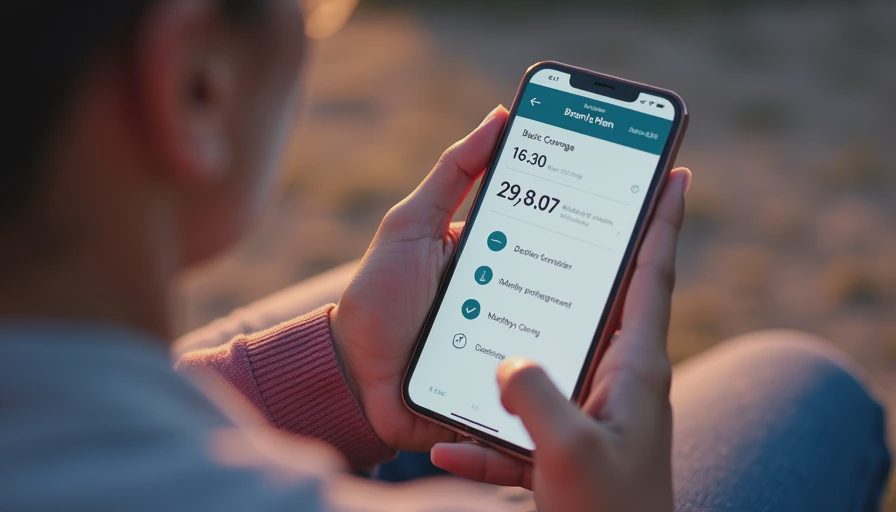
A single-device subscription makes sense when your coverage need is narrow. For example, a renter might place a Blink Mini near the front door, while a homeowner might point an outdoor camera at the driveway. If you have only one camera, the blink basic plan avoids paying for unlimited-device coverage that you will not use.
The cost is easier to justify when recorded evidence matters. A live notification tells you that something happened, but a saved clip can show whether a delivery was left at the door, whether a family member arrived home, or whether wind moved a trash bin. Cloud storage also protects recordings if someone damages or removes the camera. That protection is one reason I prefer cloud recording for a front entrance, even when local storage is available.
The plan is less attractive if you only check the camera occasionally and do not need recordings. A camera used as a quick pet check may work perfectly well with live view and alerts. In that situation, spending roughly $40 per year could buy little practical benefit.
Cloud storage versus local storage
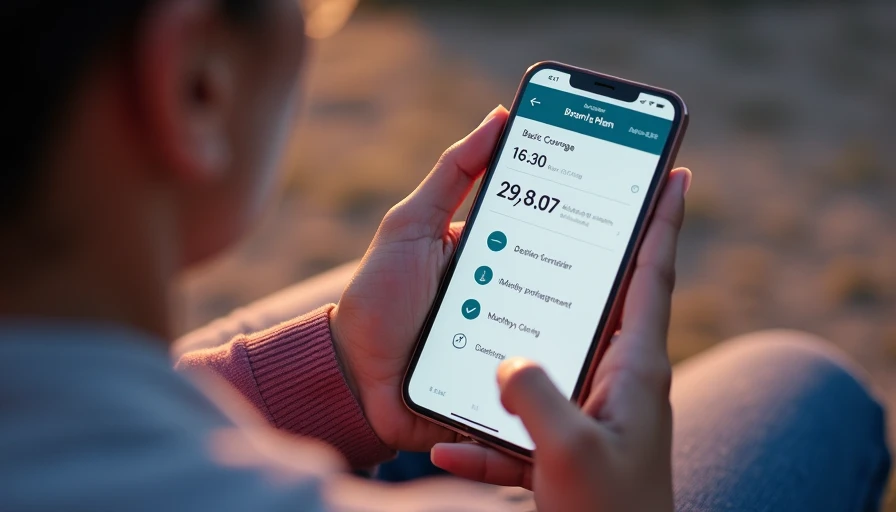
The blink basic plan stores eligible clips in the cloud, which means you can generally review them through the Blink app when your phone has an internet connection. This is convenient for travel and makes playback simple for less technical households. It also means the camera and your home internet connection must upload clips reliably.
A Sync Module 2 with a compatible USB flash drive can offer local storage for supported Blink devices. Local storage can reduce recurring costs and keep recordings inside your home, but it introduces more setup and maintenance. You must check storage capacity, export important clips, and make sure the Sync Module remains connected. Local storage is not automatically a complete replacement for every subscription feature.
The practical choice comes down to your priority. Cloud storage is easier to access away from home. Local storage can be attractive for privacy and long-term cost control. Some households use both approaches, but start with one method so troubleshooting stays manageable.
How to decide before subscribing
First, identify the exact Blink model. Look at the label on the camera or open the Blink app and review the device details. Then count how many cameras you expect to use during the next year. One camera points toward the blink basic plan; two or more may make Blink’s multi-device subscription tier more economical.
Next, decide what you need to recover after an alert. If you only want a push notification, you may not need cloud recording. If you want to review a motion event from yesterday, the blink basic plan becomes more useful. Also consider whether your camera is inside, under a covered porch, or exposed to weather. Outdoor placement often creates more motion events from branches, insects, headlights, and passing vehicles, making recorded clips more valuable but also increasing storage activity.
Finally, check your Wi-Fi at the installation location. Stand where the camera will go and run a phone speed test at different times of day. A strong internet plan at the router does not guarantee a stable signal at the driveway or detached garage.
Setup steps that prevent common problems
Install the Blink app, create or sign in to your Amazon account, and add the camera before permanently mounting it. During setup, keep the camera close enough to the router or Sync Module for reliable pairing. Test live view, motion detection, night vision, and audio from the intended location before tightening screws.
If you activate the blink basic plan, confirm that the correct device is assigned to the subscription. Then trigger a test motion event and wait for the clip to appear in the app. Walk through the camera’s field of view from several directions, because detection distance and angle can vary significantly. Adjust activity zones to block sidewalks, busy streets, or tree movement when those areas create unnecessary alerts.
Use a strong, unique Amazon password and enable two-step verification. Avoid sharing your login with contractors or casual visitors. Instead, use the app’s sharing options when available, and remove access that is no longer needed. These small steps protect camera footage without turning the setup into a security project.
Is the subscription worth the money?
For one important camera, the blink basic plan is a reasonable paid option. At roughly $40 per year, it costs less than many replacement batteries, accessories, or a new camera, and it makes recorded events easier to retrieve. It is especially practical for a front door, driveway, or property where you want a record while away.
It is not the best value for every Blink owner. Skip the subscription if live view and notifications meet your needs, or if you already have a well-maintained local-storage arrangement. Consider a broader Blink plan if you expect to add several cameras, because paying separate single-device coverage can become inefficient.
A smarter home should feel easier, not harder. Choose the blink basic plan when one camera and dependable cloud history solve a clear everyday problem. Otherwise, test the camera without a subscription first, verify what features you actually use, and spend the money only when recorded access proves valuable.