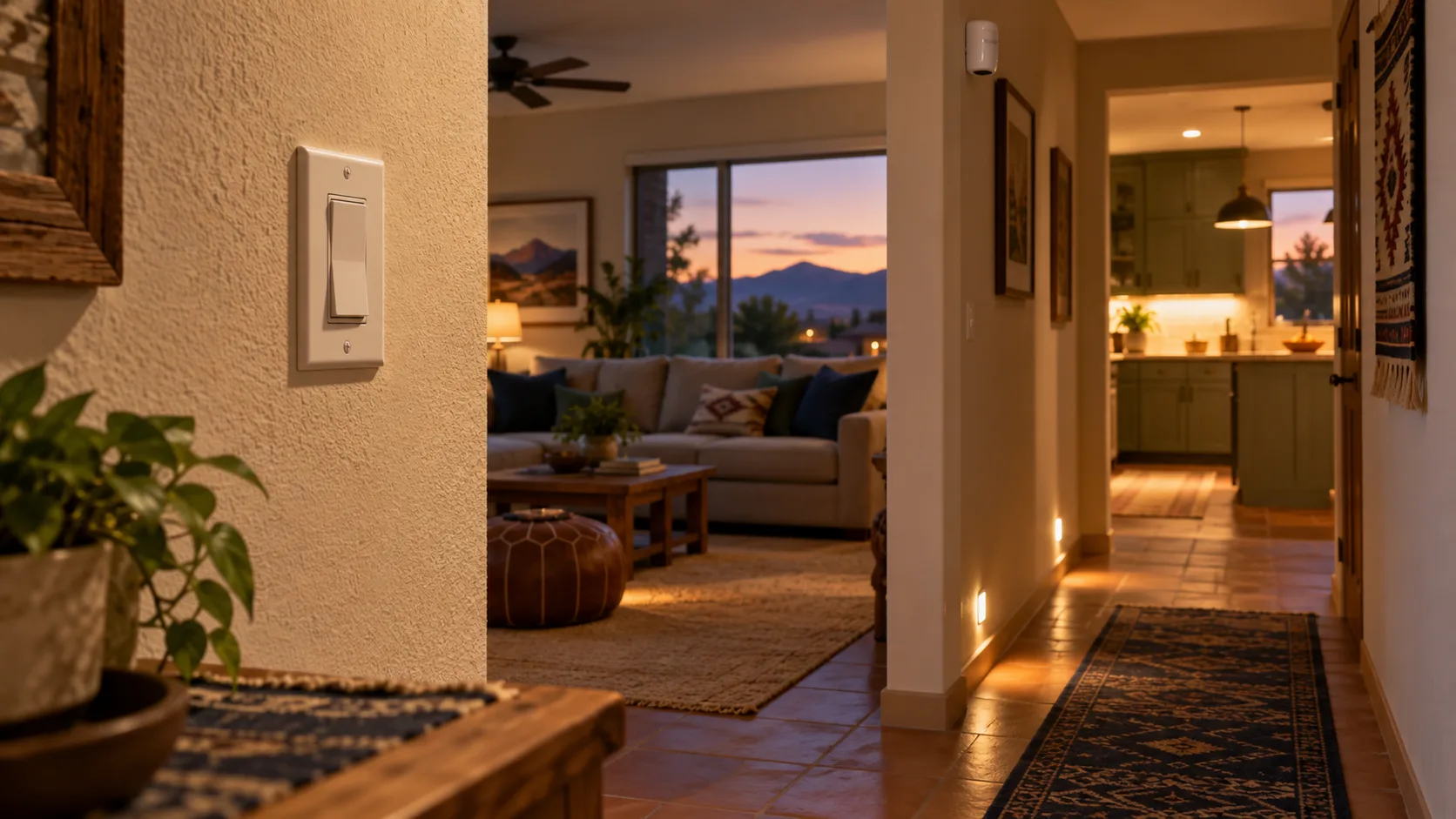
A practical smart home setup starts with a problem you want to stop thinking about. Perhaps the hallway is too dark when someone gets up at night. Perhaps a lamp stays on after everyone leaves the room. Perhaps you want to check whether you remembered to close a door.
None of those problems requires you to make every room connected. Each requires a clear outcome, an appropriate tool, and a way to keep using the home when the tool misbehaves.
The best starting point is one useful, reversible project with an obvious manual control. Add another device only when it solves a separate problem or makes the first solution meaningfully better. A home with three dependable routines can be easier to live in than a home with thirty devices that need frequent attention.
This guide will help you choose that first project, check its hidden requirements, and decide whether it deserves to stay. The goal is a home that feels easier to use, including for people who never open the app.
Choose a problem before a product
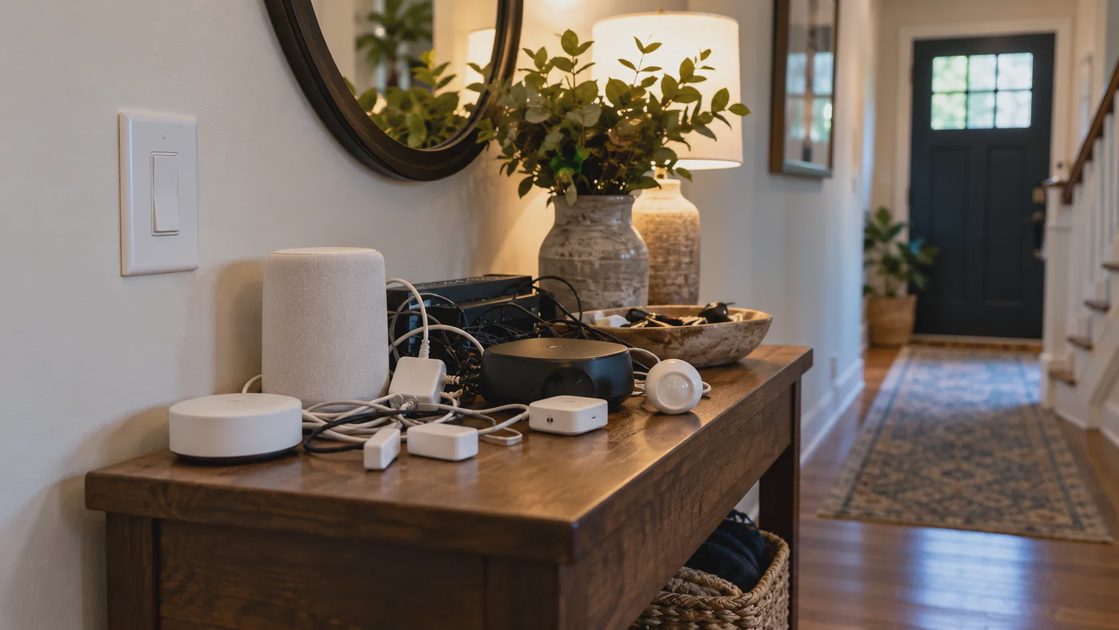
Before browsing devices, complete this sentence: “When ___ happens, I want ___, without having to ___.”
For example: “When someone walks toward the bathroom after bedtime, I want enough light to see the floor, without having to turn on a bright ceiling fixture.” That sentence tells you more than a product category does. It identifies the trigger, the desired result, and the inconvenience you want to remove.
Then compare a connected solution with the simplest ordinary alternative.
Household problem | Try this first | When connected equipment adds value |
|---|---|---|
A hallway is dark at night | A suitably placed night-light | You need different brightness or behavior at different times |
An entry lamp stays on overnight | A timer or a more convenient switch | The schedule changes often or you need remote control |
Someone forgets an open door | A clearer closing routine | A supported sensor can provide a useful reminder |
One room feels uncomfortable | Check the schedule, airflow, and existing controls | A compatible sensor can help you understand or adjust the system |
You want to know what an appliance uses | Review its specifications and operating pattern | An appropriately rated energy-monitoring device can measure consumption |
The ordinary solution is often worth trying because it reveals what you actually need. If a night-light solves the hallway problem completely, an app-controlled lighting system adds little. If the night-light is too bright during sleep but too dim during evening use, adjustable behavior may be worthwhile.
Do not dismiss an existing device merely because it is less exciting. An ordinary timer that already does the job is a successful part of the home. Replacing it should deliver a clear improvement, such as easier schedule changes, rather than merely moving its controls onto a phone.
Pick a first project you can easily undo
A beginner-friendly project should have a visible result and a manageable consequence if it fails. A lamp that does not turn on automatically is usually easier to recover from than a front door that behaves unexpectedly.
Look for a project with these characteristics:
You can explain the benefit in one sentence.
You can observe whether it worked without studying a dashboard.
You can still operate the relevant device by hand.
You can restore the previous arrangement without rebuilding other routines.
Everyone who uses the space agrees the change would help.
“Beginner-friendly” does not make every installation safe for DIY work. Plug-in lighting and battery-powered sensors can be easier starting points than equipment involving fixed wiring. Follow the exact product instructions and use a qualified professional when electrical work, access hardware, or HVAC compatibility exceeds your knowledge.
Count the dependencies, not just the devices
A device is only one part of an automation. A sensor may detect movement, a controller may evaluate a rule, and a lamp may receive a command. An account or online service may sit between those steps.
A dependency is something the result needs in order to work. If a required controller loses power, adding another sensor does not restore the routine. If someone turns off a smart bulb's wall switch, the bulb may no longer receive commands.
Before buying, fill in this small planning table for the proposed result:
Question | What you need to identify |
|---|---|
What starts the routine? | A schedule, physical button, sensor, or manual app command |
Where does the rule run? | The specific device, hub, platform, or online service |
How does the command reach the device? | The supported connection and any required bridge or controller |
What must stay powered? | Every required device, including equipment you already own |
What stops working without internet? | Remote access, cloud integrations, or the routine itself |
What is the manual alternative? | A switch, device button, or other supported control |
Do not accept “works with my smart home” as the answer to every row. Verify the exact feature you need. A platform might support turning a lamp on and off without exposing every advanced setting offered in the manufacturer's app.
Matter can help compatible products communicate across platforms, but it does not remove every requirement. The Connectivity Standards Alliance describes Matter as local connectivity and explains that away-from-home access for Matter-only devices requires an internet-connected controller in the home. A compatibility logo therefore is not proof that every feature operates everywhere or that no supporting hardware is needed. Source: CSA Matter FAQ.
Ask about the routine, not only the connection
“Does this work offline?” is useful, but incomplete. Ask whether this particular routine works offline with this particular integration.
Home Assistant's documentation makes that distinction clear: locally communicating devices can keep working without internet, while integrations that require a vendor's cloud cannot reach that service during an outage. This is an example of why the control path matters; it is not a guarantee about every product connected to Home Assistant. Source: Home Assistant offline operation.
You do not have to choose an entirely local system for every project. A cloud-dependent remote feature may be acceptable if you understand its limitations and retain ordinary control at home. The practical question is whether a missing service creates a minor inconvenience or interrupts something the household needs.
Give every automation an exit

An automation should leave the household with a clear way to say, “Do something different right now.” That might mean turning on a hallway light for cleaning, keeping a lamp on while reading, or adjusting a temperature setting during an unusual evening.
Physical controls are especially valuable because people can find them without knowing which account owns the device. However, preserving a switch does not automatically preserve useful behavior. A smart bulb behind an ordinary wall switch may become unavailable when the switch cuts its power.
Check the complete arrangement. If the proposed control needs special instructions, decide whether those instructions are reasonable for the people using the room. Avoid solving the problem by making essential controls difficult to reach or understand.
Write down three things before enabling the routine:
Manual action: What can a person press or adjust?
Override behavior: Does that action suspend the automation, change its target, or do something else?
Return to automatic operation: What event or deliberate action restores the routine?
A timeout is not always a satisfactory override. If someone turns a light on for a task and the routine switches it off two minutes later, the manual control is fighting the person. Use a supported override or a simpler rule that accommodates the task.
For locks and HVAC equipment, consult the model's documentation rather than assuming the same fallback as a lamp. Access to the home and essential heating or cooling should not depend on an improvised routine. General-purpose smart plugs also should not be used to invent controls or safety functions for equipment whose manufacturer does not support that arrangement.
Build one routine around the household's real behavior
Consider a hypothetical nighttime hallway project. The aim is to illuminate a walking route without flooding nearby bedrooms with light. This is a planning example, not a report of a tested installation.
Begin with the room itself. Where do people enter the hallway? Does an open bedroom door expose the sensor to unrelated movement? Can the light be placed so that it illuminates the floor rather than a sleeping person's face?
Only after answering those questions should you choose a rule.
Part of the routine | Initial design choice | What to observe |
|---|---|---|
Trigger | Movement along the walking route | Does it detect someone before they reach the dark section? |
Time condition | The household's actual sleep period | Does it behave appropriately on late evenings and weekends? |
Light output | Enough light to see the route | Is the floor visible without excessive bedroom glare? |
Shutoff | A supported delay that allows the trip | Does someone become stationary and lose the light? |
Manual control | An accessible supported override | Can someone keep the light on for a longer task? |
Avoid treating initial settings as the final answer. A short delay may work for walking through but fail when someone stops to help a child. A brighter setting may improve visibility while becoming disruptive through an open doorway.
Adjust one variable at a time. If you change placement, brightness, and timeout together, you cannot tell which change helped. Keep the simplest rule that reliably fits the space. Adding several conditions to fix a badly positioned sensor usually makes the routine harder to understand without correcting its basic weakness.
Write the exceptions before adding more actions
A useful exception is a condition under which the routine should leave things alone. For this hallway, that might be daytime use or a deliberate manual override.
For other projects, ask:
Could someone still be using the room while sitting still?
Could a visitor activate the routine without understanding it?
Could one person's departure interrupt another person's activity?
Could a delayed command produce an unwanted result?
A whole-home “away” routine deserves particular care. One phone leaving does not necessarily mean the house is empty. If you cannot reliably represent everyone who may remain home, limit the routine's actions or use a deliberate confirmation. Convenience is reduced when someone must repeatedly undo the system's assumptions.
Check the full cost before expanding
The purchase price is only the beginning. A device may require supporting hardware, professional installation, replacement batteries, a subscription, or time spent keeping it working.
You can compare two options without pretending to know their exact future cost. List known charges and label uncertain ones. That makes the decision more useful than comparing a discounted device with an alternative that already includes its required accessories.
Use this ownership checklist:
Device and required accessory costs
Installation work and any permission needed for a rental
Features available without a recurring subscription
Battery type, replacement access, and maintenance requirements
Manufacturer support and software-update information
Time needed for setup, recovery, and routine adjustments
The cost and effort of returning to ordinary controls
Energy-saving claims deserve a separate check. Automating a lamp can reduce unnecessary operating time, but savings depend on the light's power consumption and how much wasted time actually disappears. A device that makes scheduling convenient does not establish a measured reduction in the home's bill.
Also distinguish convenience from energy savings. A remote-control feature can be worthwhile even if it saves little electricity. The decision becomes clearer when you name its real benefit instead of forcing every purchase into an energy-saving justification.
For an existing device, try reconfiguring or removing an unnecessary rule before replacing the hardware. A confusing schedule, lost power, or weak connection may explain the problem. Buying a newer version without diagnosing those conditions can reproduce the same frustration at a higher cost.
Make privacy and maintenance part of the purchase decision
Different devices ask for different kinds of trust. A camera can reveal activity in a room. A presence feature can infer whether someone is home. A basic lighting schedule may need much less personal information.
Ask what data the proposed feature needs, who can access it, and whether you can disable collection or functions you do not want. Review the actual product and service documentation. A broad platform label does not tell you every manufacturer's storage, retention, or account policy.
Protect the network the devices use. The FTC recommends WPA3 or WPA2 encryption, unique router and Wi-Fi passwords, and keeping router software current. Those are useful foundations before connecting more equipment. Source: FTC home Wi-Fi guidance.
Avoid buying equipment that you already know you cannot maintain. If replacing a sensor battery requires a difficult climb, account for that effort when choosing its position. If one person alone knows how to recover every account, the system needs a better ownership arrangement before it grows.
Keep a short household note containing device names, locations, maintenance needs, and recovery instructions. Store credentials securely rather than placing passwords in a shared instruction sheet. The note should help someone identify the correct device and use the supported recovery process without exposing account access unnecessarily.
Use a one-week trial to decide what earns its place
A routine working once proves that its parts can communicate under those conditions. It does not show that the routine fits everyday life.
A one-week observation period is a useful starting point, not a laboratory reliability test. Include ordinary evenings, different household members, and at least one change in the usual schedule. Extend the trial if the use case occurs less often.
Record the behavior in plain language:
Observation | What to record | Why it matters |
|---|---|---|
Intended use | What happened during a normal attempt | Checks whether the original problem is solved |
Missed action | What failed and what preceded it | Helps separate detection, rule, and device problems |
Unwanted action | What the system did without being wanted | Reveals intrusive settings or missing exceptions |
Manual operation | Whether a person could take control | Checks whether the room remains usable |
Household feedback | Who found it helpful or confusing | Prevents the installer becoming the only satisfied user |
Maintenance effort | Any resets, re-pairing, or repeated adjustments | Shows the work the routine is creating |
When an event goes wrong, describe it specifically. “The home is unreliable” does not help. “The hallway stayed dark after the wall switch was turned off” gives you a condition to investigate.
Where it is safe and consistent with the documentation, also check the supported fallback for a temporary internet interruption. Do this with low-consequence equipment first. Do not deliberately interrupt essential access, medical equipment, or necessary climate control to evaluate a convenience feature.
Fix the weak link before buying another device
A recurring failure is a reason to inspect the chain, not automatically expand it. Use the symptom to choose the next check.
Symptom | Check first | Expansion is justified when... |
|---|---|---|
The app works, but the routine does not | Trigger, conditions, and automation ownership | Evidence shows a necessary input is missing |
The device responds only sometimes | Power, battery condition, and supported connection | The diagnosed coverage or infrastructure need requires it |
Two routines undo each other | Overlapping schedules and rules | Simplifying ownership cannot meet a genuine requirement |
People keep bypassing the system | Physical controls and household preferences | A different supported control would solve the usability problem |
Remote control fails, but local control works | Internet service and the remote-access path | A documented requirement is missing, rather than the local device failing |
Start by checking whether the device can perform its basic action through its normal supported control. Then inspect the trigger and conditions. This order helps distinguish a device problem from an automation problem.
Do not factory-reset everything as the first response. Resetting can remove useful configuration and force you to rebuild working parts. Preserve relevant settings and consult the manufacturer's recovery procedure before making disruptive changes.
After the trial, choose one of four outcomes: keep a routine that consistently helps; reconfigure one with a clear, correctable weakness; replace equipment only when a diagnosed limitation prevents the required result; or skip the automation when ordinary controls serve the household better.
The next worthwhile purchase should follow a demonstrated need. Perhaps a second control point would make an otherwise successful lamp usable from the doorway. Perhaps another room has its own clearly defined problem. Either is a stronger reason to expand than an empty space on a dashboard.
A smarter home should feel easier, not harder. Start with one frustration, preserve ordinary control, and let daily usefulness determine what stays.