Two devices can each be compatible with a platform without supporting the particular interaction you want. A light may accept on/off commands, while a button's special press is not exposed as an automation trigger. A sensor may report temperature in its own app, while the chosen bridge exports only another function. The compatibility claim can be real and still incomplete for your project.
Diagnose the missing behavior before replacing either device. Check the exact model, the control path, the function available in the platform, and the conditions of the rule. A supported configuration change may solve the problem; in other cases, the desired feature is genuinely unavailable through that integration.
This guide helps you investigate smart-home compatibility problems without resetting everything at once. The examples are hypothetical household situations, not reports of author testing. Menu names, supported categories, and integration features vary, so use current documentation for the equipment involved.
Describe the failure as an action, not a label
“Device A and Device B are incompatible” is too broad to guide troubleshooting. Replace it with a sentence that names the intended event and result: “When this button is double-pressed, this lamp should change brightness in this platform.”
Now record what happens instead. Does the button produce an event? Does the lamp accept a manual command? Is the rule absent, disabled, or running without the intended result? Those observations identify different problems.
Use this worksheet before changing settings:
Question | Useful answer |
|---|---|
Which devices? | Exact model, generation, and regional version where relevant |
Which platform? | App or automation system, with relevant software version |
Which connection route? | Direct integration, brand bridge, Matter, or cloud account link |
What starts the action? | The specific event, schedule, or user command |
What should happen? | A physical result you can observe |
What actually happens? | Missing event, unavailable function, delay, error, or wrong result |
What still works? | Physical control, vendor app, platform manual control, or another routine |
Do not omit the working paths. If a lamp responds in the manufacturer's app but not in the home platform, that is valuable information. It narrows the investigation to the integration or its dependencies rather than proving the lamp has failed.
Understand the four layers of compatibility
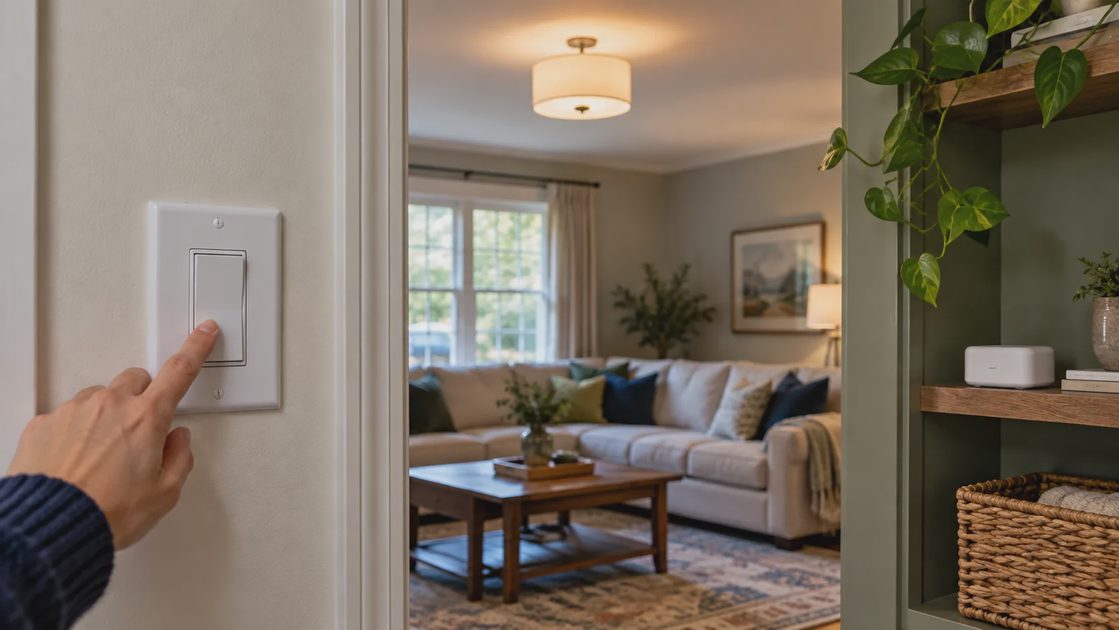
A complete routine needs several kinds of compatibility. A logo on the product box usually does not describe all of them in enough detail for a specific project.
Installation and device operation
The product must first operate correctly in the actual home. A switch needs a suitable electrical installation; a lock needs proper mechanical fit; a sensor needs appropriate placement and power. Networking cannot compensate for a light without power or a bolt binding against the door frame.
Begin with the product's normal supported control. If the basic device action fails, resolve that before investigating a cross-platform routine. Preserve necessary access and other household functions during troubleshooting.
Network communication
The device must communicate through a supported route. Shared wireless terminology is not enough: the exact controller, network membership, range, and setup matter. A Thread accessory should not be presumed to support Matter solely because it uses Thread.
For a Wi-Fi device, check its supported bands and network configuration. For a battery accessory, assess its actual radio path rather than a nearby phone's Wi-Fi indicator. A connection that works near the controller but not at the final position is a different problem from a missing feature.
Platform function support
The platform must expose the information or action you need. Basic control and advanced features can differ between integration paths. A device appearing in the app does not establish that every capability is available to automations.
Home Assistant's Matter documentation describes situations where a native integration provides more features than a Matter bridge route. That is a documented example of why the connection path matters, not a universal preference for one integration type. Home Assistant: Matter bridge limits.
Automation behavior
Finally, the rule must use the exposed functions correctly. Time conditions, daylight checks, modes, delays, and manual overrides can block or alter the result. Two separate routines can also issue conflicting commands.
A system can pass the first three layers and still produce an unwanted automation. Keep software logic separate from whether the devices can communicate.
Check exact models before trusting a family name
A product family can contain Wi-Fi, Zigbee, Z-Wave, Thread, or other variants. Similar-looking packaging and nearly identical names can conceal different requirements. The supported feature list may also differ by generation or firmware.
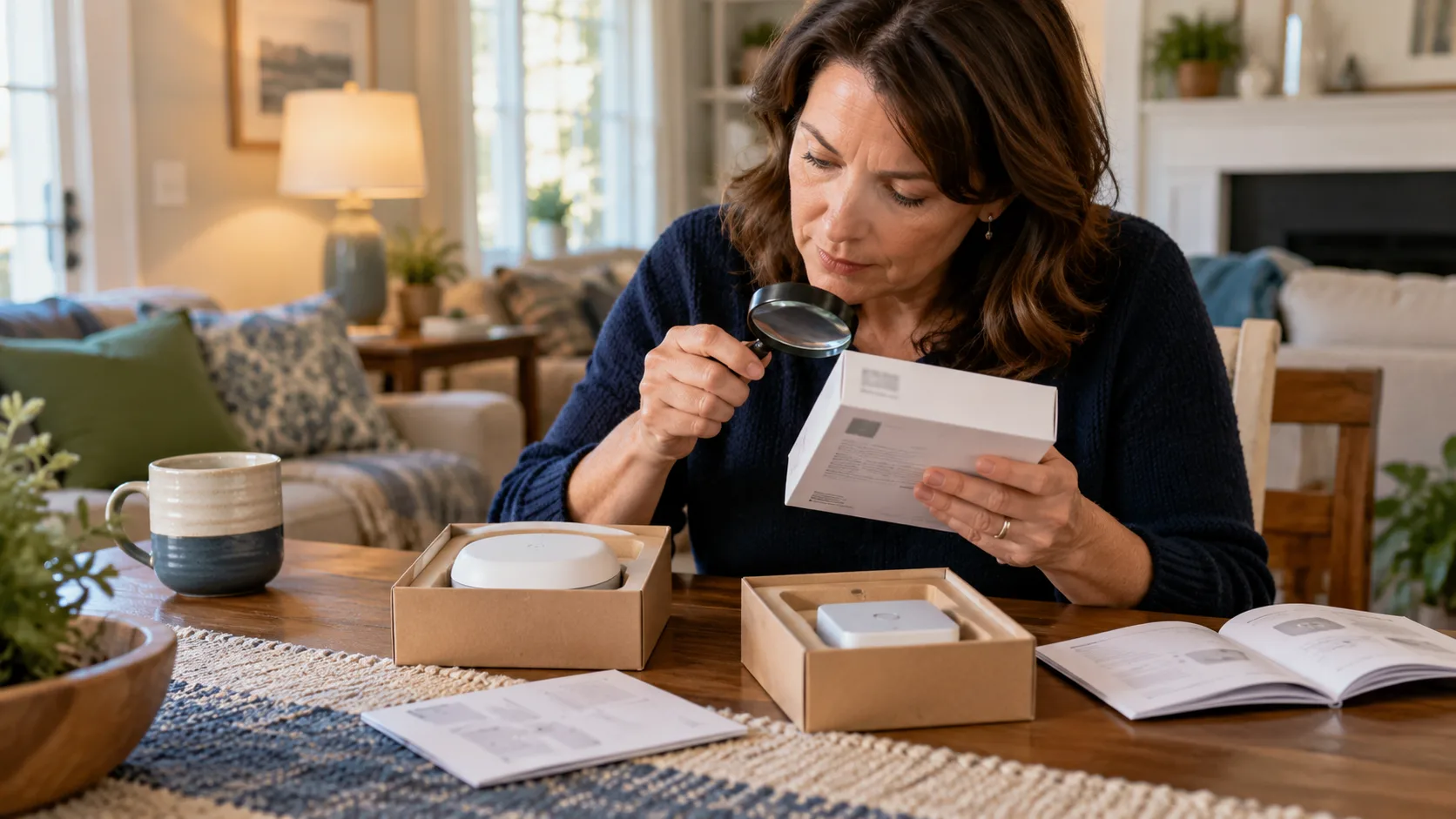
Find the identifier on the device or its retained documentation. Compare that identifier with the platform's support information and the manufacturer's current instructions. Avoid using a review or forum answer about a neighboring model as proof.
Write down whether compatibility is available now or promised through an update. A future software plan is not the same thing as current functionality. If the needed feature depends on an unreleased change, treat it as unavailable for today's project.
Also verify the supporting equipment. A speaker or hub from one generation may provide a required radio while another does not. Google's Matter preparation guidance separates hub capabilities for Wi-Fi and Thread projects, illustrating why the exact infrastructure matters. Google: Matter hub requirements.
Read the claim in its actual scope
Look for what the compatibility statement specifically covers: app control, voice commands, a supported device category, or a defined integration. “Works with” should not be expanded into “every feature works everywhere.”
If the desired function is unclear, ask a precise support question: “Does this model expose its double-press event as a trigger in this platform through this bridge?” That is much more answerable than asking whether two brands are compatible.
Retain the answer and its date with the project notes. Support information can change, so model and software context help you interpret it later.
Prove that each end of the routine works separately
Before editing the automation, test the trigger and action independently. This is the least disruptive way to locate a missing link.
For the action device, issue its basic command through the intended home platform. If that works, the platform can reach at least that function under the test conditions. If it fails, examine power, availability, permissions, and the integration before the rule.
For the trigger device, use the platform's available event or state information. Generate the exact activity and see whether the expected information arrives. Motion, occupancy, a button press, and a long press are different inputs; confirm the one the rule actually uses.
Trigger visible? | Manual action works? | Start the investigation here |
|---|---|---|
No | No | Setup and connection paths for each device |
No | Yes | Trigger support, event selection, or sensor operation |
Yes | No | Action support, device availability, or permissions |
Yes | Yes | Automation conditions, target selection, and conflicting rules |
This table is a diagnostic guide, not a guarantee of one cause. Intermittent failures require repeated observations, and an event visible in one screen may not be exposed in the same way to a routine builder.
Record the time of each attempt. If the platform offers traces or logs, inspect the relevant entries without exposing private data. A sequence showing the rule was blocked by a condition is more useful than another factory reset.
Compare the native, bridge, and cloud routes
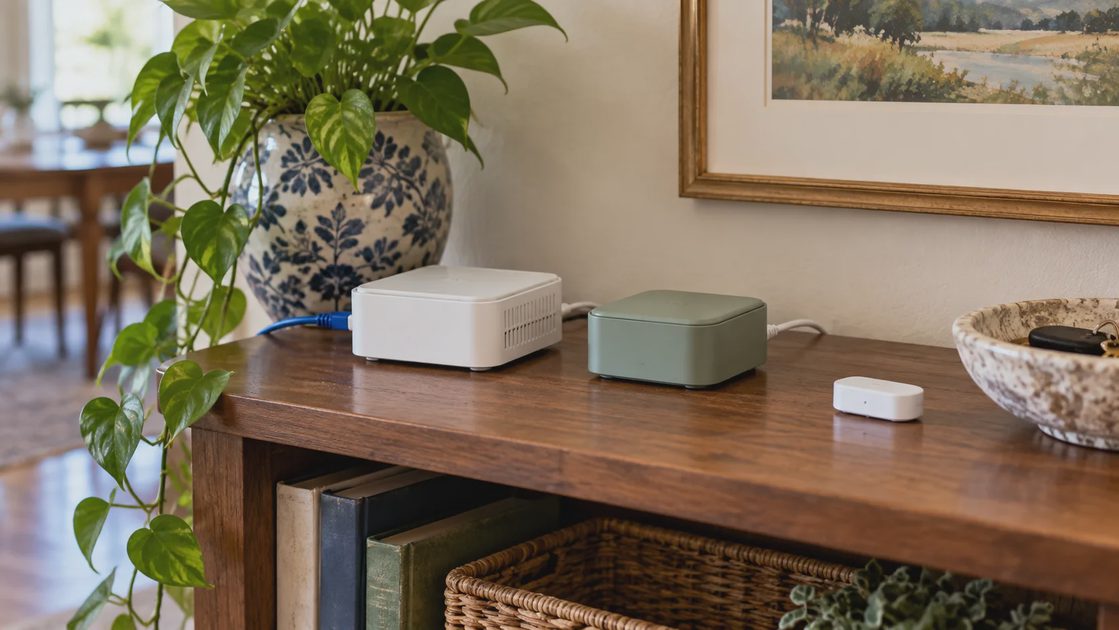
The same device may be reachable through more than one supported path. That can be useful, but it can also create duplicate entries or lead you to select the wrong copy in a rule.
A native integration uses the platform's specific support for the product or service. A bridge exposes selected functions from accessories behind it. A cloud account link uses a service relationship between systems. Each path can provide a different combination of functions and dependencies.
Create a route record:
Route | Questions to answer |
|---|---|
Native integration | Which functions are supported, and is communication local or cloud-based? |
Brand bridge | Which accessories and capabilities does the bridge export? |
Matter route | Which device category and controls does the platform implement? |
Cloud account link | Is the correct account linked, and which permissions are granted? |
Direct device connection | Does the accessory need removal from another network first? |
Do not add a second route just to see whether it helps, leaving both active indefinitely. Identify the expected benefit, test it, and decide which route should own the routine.
A second app entry does not necessarily mean there are two physical devices. Use names, location, and available identifiers to distinguish duplicates. If you remove one integration, verify whether any routines reference it before deleting the configuration.
Check accounts, homes, and permissions
Devices can be registered to different accounts or assigned to different homes within the same app. The administrator may see both accessories while another household member has access to only one. That can make a working setup appear inconsistent between phones.
Verify the account used for each vendor service and home platform. Then inspect the home, room, and permissions associated with the devices. Avoid resolving the problem by sharing an administrator password with everyone.
For a cloud-linked service, check whether the manufacturer's app still controls the product. Samsung's SmartThings troubleshooting guidance includes model- and brand-specific checks involving the original app, connectivity, and linked services. Use the applicable recovery process rather than treating a general reset as the first step. Samsung: third-party device troubleshooting.
For a secondhand device, follow the manufacturer's ownership-transfer requirements. Do not assume a local reset revokes every previous account relationship. If ownership cannot be established, resolve that before relying on the device.
Avoid removing access while debugging access
Save the current users, important settings, and supported recovery information before disruptive changes. If the device controls entry, preserve authorized fallback access throughout the process.
A guest credential problem deserves a permission investigation before a radio migration. A user who can see the lock but cannot manage codes may have the intended limited permission, or the integration may not provide that feature. The remedy depends on which situation applies.
Distinguish discovery problems from ordinary coverage problems
A device can connect to Wi-Fi and still be difficult for a platform to discover. Local communication can depend on devices being reachable across the network and on supported discovery traffic.
Home Assistant documents local IPv6 and multicast requirements for its Matter implementation. This is a specific troubleshooting example. Use your platform's instructions to check network segmentation or filtering; do not open devices to the internet or disable protections indiscriminately. Home Assistant: Matter networking.
Ask what changed recently. A new guest network, router replacement, controller move, or altered security setting can affect a previously working path. The time of the change is evidence worth recording.
For Zigbee, device and routing compatibility also require attention. Home Assistant's ZHA documentation describes connection and implementation limitations, reinforcing the need to evaluate the actual network rather than merely counting supported logos. Home Assistant: ZHA guidance.
If the vendor app works remotely but local control fails, investigate the local path. A functioning cloud connection does not prove that the platform can discover or reach the device inside the home.
Strip the automation down to one trigger and one action
When both ends work separately, simplify the rule. Start with the exact trigger and one low-consequence action. Temporarily remove optional conditions through the platform's supported editing process, after saving the original configuration.
Check these common logic issues:
The rule targets an old or duplicate device entry.
A time window excludes the current test.
A daylight condition blocks lighting despite detected motion.
A household mode differs from the expected state.
Another routine changes the device immediately afterward.
A manual override remains active.
A delay or cooldown makes repeated tests misleading.
A hypothetical hallway example illustrates the distinction. The sensor reports motion, and the lamp responds to manual app control, but the lamp remains dark during the routine. A daylight condition set for the wrong area could explain the result. Replacing either device would not correct that condition.
Reintroduce necessary conditions one at a time. Keep the simplest version that matches real household behavior. Complexity is justified when it handles a meaningful exception, not when it conceals an unexplained failure.
Know when the missing feature really is unavailable
Some problems are configuration errors; others are genuine support boundaries. If current documentation confirms that the desired trigger or action is absent through the chosen integration, stop repeatedly trying the same pairing process.
Compare three options:
Option | Appropriate when | Trade-off |
|---|---|---|
Use another supported path | It exposes the required function | May introduce a bridge, account, or maintenance task |
Simplify the routine | Basic supported control meets the real need | Gives up an optional advanced behavior |
Replace one component | A verified missing capability prevents the required result | Purchase and migration cost |
You may also decide to keep manual control. A physical button that reliably performs an ordinary action can be more useful than an elaborate routine requiring frequent correction.
Before replacement, confirm the proposed alternative's exact feature path. Moving to another product with the same broad claim can reproduce the problem. Ask for documentation covering the trigger, action, platform, and integration together.
Prepare a support request that contains evidence
When you need help, provide the exact device models, platform, connection route, relevant software versions, intended behavior, observed result, and what still works. Include a short chronology of changes and the diagnostic steps already performed.
Remove passwords, setup codes, personal location information, and access credentials from screenshots or logs. Share only the information needed through the vendor's supported channel.
A strong request might say: “The lamp accepts on/off commands in the home platform. The button's single press appears in the event log, but double press does not. The manual lists double press in the vendor app. Does this integration expose it?” That question helps distinguish a support boundary from a failing radio.
Keep the answer with the household notes. If the final solution changes rule ownership or a device route, update the record so the next person does not restore the confusing arrangement.
Compatibility is a chain of supported behaviors. Locate the missing link, make one justified change, and verify the actual household result. A device list full of green checkmarks is useful only when the routine works in the way people need.