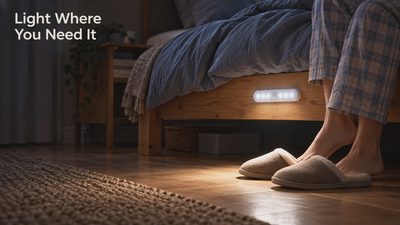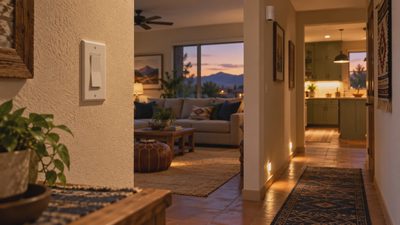
The best motion sensor placement is the position that detects the intended activity before the household needs the result, while avoiding activity that should not trigger anything. That position may be beside a doorway, across a walking route, or facing a defined part of a room. It is not automatically the highest corner or the geometric center.
Start with the route and behavior you want to detect, then test a temporary position before mounting permanently. Placement, detection technology, lighting conditions, connection quality, and automation settings all affect the outcome. Changing only the timeout will not fix a sensor that cannot see the relevant activity.
This guide focuses on convenience lighting and ordinary smart-home routines. Security alarm sensors need placement, testing, and maintenance according to the alarm manufacturer's instructions. A convenience sensor should not be treated as a substitute for an appropriately designed security or life-safety system.
Decide whether you need motion or continued presence
A motion event means the sensor detected an activity matching its design. It does not necessarily mean someone remains in the room, and an absence of new events does not establish that the room is empty.
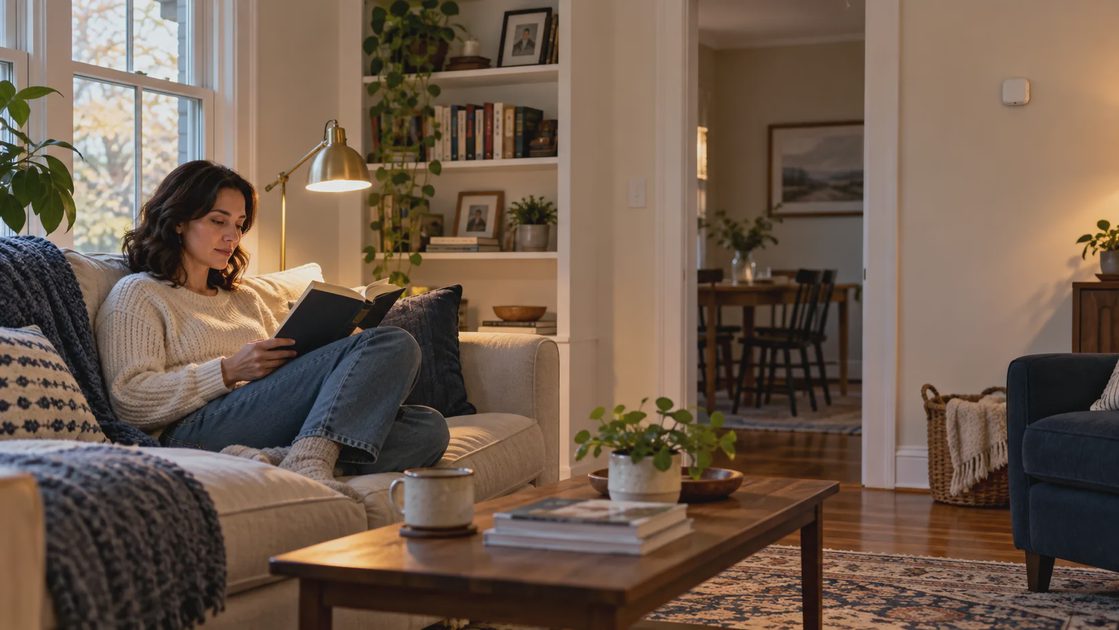
That distinction matters when someone walks through a hall versus sits at a desk. In the hallway, a brief event may be enough to turn on a light. At the desk, a person can remain occupied for a long time with little movement.
Many common motion sensors use passive infrared, usually shortened to PIR. Other products use radar-based presence sensing, sometimes described as mmWave. Some combine technologies. Read the actual detection and installation guidance rather than using the product's category as a complete description.
Aqara describes its FP2 as a radar-based presence sensor with zone features. That supports considering a different detection approach for a stationary-person use case; it does not establish that every radar sensor works in every room or that its detection is infallible. Aqara: FP2 presence sensor.
Household activity | What the system needs to know | Planning implication |
|---|---|---|
Walking to the bathroom | Someone has entered a route | Prompt motion detection may be sufficient |
Sitting and reading | Someone remains in the seat | A motion-only timeout may interrupt use |
Working at a desk | The work area remains occupied | Evaluate presence sensing or manual hold |
Entering a pantry | Someone crosses the doorway | Focus coverage on entry and working area |
Moving outside | Activity occurs in an exposed area | Use an outdoor-rated product and appropriate filtering |
If a physical switch already works well, you can retain it and automate only the initial lighting. There is no requirement to make shutoff automatic simply because turning on is convenient.
Sketch the room as a set of routes
Before opening the app, sketch the room on paper. Mark entrances, furniture, doors that swing into the room, and the points where light is needed. Add likely walking routes and places where someone might stop.
Now draw a rough boundary around the activity you want to detect. For a pantry, you may want the doorway and shelves inside, while excluding movement in the kitchen. For a hallway, you may need both approaches to a dark section but not movement behind an open bedroom door.
Include unwanted activity on the sketch:
People passing outside the room.
A pet using a separate route.
Moving curtains or other environmental activity relevant to the sensor type.
A fan or other movement within a radar sensor's detection area.
A door leaf that can obstruct the intended view.
Nearby equipment or surfaces identified in the product's installation guidance.
This exercise helps you choose between two positions without relying on a specification's maximum range. A long advertised range is not useful if it includes the wrong room.
Choose the earliest useful detection point
The light should become useful before a person reaches the dark area. A sensor deep inside the room may trigger successfully while still providing a poor experience: the person has already crossed an unlit threshold.
Stand where a person normally enters and consider what blocks the view. Carrying a laundry basket, opening a door, or approaching from a different direction can change the situation. Test these ordinary variations instead of evaluating only a clear, exaggerated walk toward the sensor.
If the room has two entrances, assess both. A sensor that works well from the kitchen may leave someone entering from the garage waiting in darkness. One placement may cover both routes, or the layout may justify an additional supported sensor after testing.
Use the model's coverage guidance, not a universal height
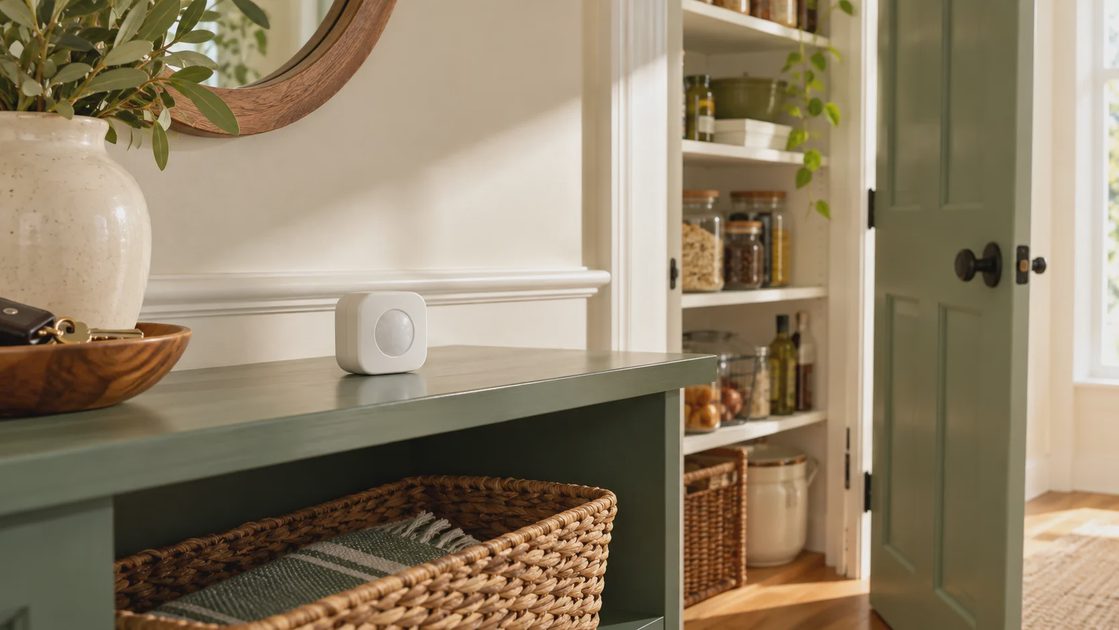
Coverage depends on the sensor's optics or detection system, mounting height, orientation, and surroundings. The manufacturer’s recommended positions and diagrams are the starting point. Avoid adopting a single internet height recommendation for every model.
Philips Hue advises facing the sensor toward expected motion and testing before permanent mounting. Its documentation also describes sensitivity and daylight settings. Those details apply to the Hue system; another sensor may provide different options. Philips Hue: motion sensor placement and settings.
For a PIR sensor, use its coverage diagram to compare movement across the detection pattern with movement directly toward it. If one approach is weak, experiment with orientation within the approved mounting guidance. Do not assume the visible face represents a simple, evenly sensitive cone.
For a radar presence sensor, evaluate the defined detection area and supported exclusion zones. A sensor that detects beyond the intended activity can keep a room occupied in software even when nobody is using that room. Greater sensitivity is not automatically better.
Keep the mounting practical. The battery cover, reset control, and attachment should remain accessible. A location that requires moving heavy furniture every time maintenance is needed creates a cost that is easy to miss during setup.
Match placement to the room's actual job
The following room examples are planning scenarios, not reports of tested installations. Adjust them using your sensor's documentation and the household's layout.
Hallway: illuminate the route before the turn
Place the sensor so it can detect the relevant approach before the darkest section, while avoiding unnecessary activity in adjacent rooms. If the hallway turns a corner, a sensor at one end may not cover the other approach.
Test the route in both directions. Also test with bedroom doors in their usual open or closed positions. If the light spills into sleeping areas, adjust the lighting arrangement or brightness instead of forcing the sensor into a position that misses the route.
For nighttime use, a separate low-light behavior may be helpful where supported. Preserve enough usable light for the people actually walking there. The appropriate level depends on the environment and household needs, not an arbitrary percentage copied from another home.
Pantry or laundry room: detect entry without watching the corridor
Aim the detection toward entry and useful work areas, keeping unrelated hallway traffic outside the intended coverage where possible. Shelves, hanging clothing, and an opening door can obstruct a seemingly convenient corner.
A short shutoff delay may work for quickly collecting an item but interrupt someone sorting laundry. Test a longer task before choosing the final behavior. A manual hold can be more predictable than continually increasing sensitivity.
If the sensor is placed on a shelf temporarily, check whether ordinary use will move or cover it. A test position that works only when the room is unusually tidy is a weak basis for permanent mounting.
Bathroom: do not equate stillness with vacancy
Someone seated, showering, or standing behind a partition may be difficult for a motion sensor to detect continuously. A light turning off in the middle of use indicates that the rule's assumptions need review, even if entry detection is excellent.
Consider a conservative delay, supported manual override, different sensor technology, or a combination documented by the platform. Do not assume a closed door proves the room is occupied or empty. Shared rooms have too many ordinary exceptions for that shortcut.
Choose equipment and mounting suitable for the actual moisture conditions. An indoor product should not be presumed suitable next to a shower simply because the radio connection works there.
Office or living room: separate entry from staying
For a seated activity, decide whether automation needs to control shutoff at all. Turning a task lamp on when someone enters and leaving shutoff manual can be a useful, simple arrangement.
If continued presence is necessary, test the actual seats and workstations. Include reading, watching a movie, and looking at a monitor without obvious movement. For zone-capable products, check that the zone boundary follows the usable area rather than the whole room by default.
A fan, moving object, or neighboring activity can complicate some detection systems. Observe the empty room under normal conditions before treating every occupied report as a person.
Garage or exterior: account for changing conditions
Use equipment rated for the location and exposure. A garage can have temperature changes, large metal objects, and doors that alter the view or radio path. An exterior area adds weather and activity outside the property.
Test with the garage door in the positions normally used. Check whether parking a vehicle blocks the intended detection or connection. Avoid positioning a sensor only for the empty-room setup photo.
Do not use a convenience motion event as the sole basis for operating a garage door or other moving equipment. Those actions require their own approved controls and safeguards.
Separate detection from daylight and shutoff rules
A sensor can detect correctly while the lights remain off because a daylight condition blocks the routine. It can also trigger the lights correctly while an unrelated schedule immediately turns them off. These are rule problems, not necessarily placement problems.
Think of the routine as four decisions:
Detection: Did the relevant activity produce the intended event?
Permission: Do time, daylight, and mode conditions allow an action?
Lighting action: Did the selected light receive and perform the command?
Release: Under what conditions may the light turn off or return to its previous state?
Evaluate those decisions separately. If the app shows motion promptly but the room stays dark, inspect the conditions and light control before moving the sensor. If motion itself is missing, focus on detection, power, and placement first.
A daylight threshold should reflect the area that needs illumination. A sensor close to a bright window might judge the room differently from someone working in a darker corner. Observe that difference at several times of day.
The shutoff delay should account for ordinary pauses. For supported multiple-sensor arrangements, verify whether any sensor can keep the room active and what happens when all stop reporting motion. Do not assume the platform combines them automatically in the intended way.
Run a repeatable placement test
Temporary placement lets you learn before drilling holes. Use a secure, manufacturer-appropriate method that does not damage the product or create a falling hazard. Leave the sensor in a position where ordinary use will not accidentally hide it.
Begin with one candidate position and simple settings. Change one variable at a time so you can identify what helped.
Test situation | Record | What a problem points toward |
|---|---|---|
Enter normally from each doorway | Detection and useful light timing | Coverage or connection delay |
Walk slowly with hands occupied | Whether the route stays usable | Detection assumptions or timeout |
Remain seated or stationary | Whether light interrupts the task | Motion-versus-presence mismatch |
Pass outside the room | Any unwanted action | Coverage boundary or sensitivity |
Leave the room empty | Any repeated detection | Environmental triggers or another rule |
Use the room in daylight | Detection and permission separately | Daylight placement or threshold |
Use a manual override | Whether automation respects it | Rule ownership or override design |
Write observations as events: “The pantry light turned on when someone crossed the kitchen” is more useful than “too sensitive.” “The hallway sensor reported motion, but the lamp was unavailable” distinguishes sensing from lighting.
Repeat the observations on ordinary days. A handful of successful walks is not a reliability measurement. Include the household members who use the room and different furniture or door conditions that occur regularly.
Troubleshoot the weakest part before adding another sensor
When a routine fails, resist immediately adding equipment. An extra sensor cannot fix a wrong room assignment, a lamp with its power switched off, or a conflicting automation.
Symptom | Check first | Consider another sensor when |
|---|---|---|
No detection from one entrance | Approved orientation and obstructions | The layout prevents one sensor covering both routes |
Detection occurs, light stays off | Conditions, light power, and control path | Coverage is not the actual problem |
Light turns off during seated use | Timeout, override, and detection technology | Additional sensing genuinely covers the missing information |
Light turns on from the neighboring room | Coverage boundary and supported sensitivity | A different layout requires more focused zones |
Events arrive inconsistently | Battery, mounting, connection, and logs | A diagnosed network or coverage need remains |
If the sensor works in a temporary position near the supporting equipment but fails at the final location, investigate the actual radio path. Keep that separate from detection coverage. A sensor can see a person while being unable to deliver the event reliably.
Do not factory-reset the entire room as the first response. Record the settings and examine the failed stage first. A reset can erase useful evidence and make working parts harder to reconstruct.
Mount only after the routine earns its place
Once a position works under ordinary conditions, mount using the supplied or approved hardware. Keep the orientation consistent with the successful trial. Retest afterward because small position changes can alter coverage.
Record the model, location, battery or power requirements, paired system, and routine name. If someone moves furniture, changes the door arrangement, or adds another schedule, the note gives you a baseline for evaluating new behavior.
Review the room after a few weeks. Ask whether people still use the manual control, whether the lights interrupt tasks, and whether maintenance is manageable. A successful routine is one the household can trust without thinking about where to wave a hand.
Keep a placement that serves the intended activity, reposition when a specific route is missed, change the rule or sensing approach when continued occupancy is the issue, and skip automatic shutoff when it makes the room less usable. Good placement begins with the people in the space and ends with a room that feels easier to use.