
Matter is a smart-home communication standard designed to make supported devices easier to use across compatible platforms. It can reduce the need to choose every accessory from one brand. It does not guarantee that every advertised feature appears in every app, that a device needs no supporting hardware, or that an existing home should be rebuilt.
Think of Matter as a compatibility layer for supported functions. Your purchase still needs to fit the home, connect through the required network, and expose the controls you actually want. Those checks are especially important when the benefit is more specific than switching a light on and off.
This guide explains Matter from a homeowner's perspective: what the label tells you, what hardware may sit behind it, where the limits appear, and how to evaluate one useful project. Standards, firmware, and platform support evolve, so check current documentation for the exact models before buying.
Separate the language from the connection
Matter and Thread are often mentioned together, but they describe different parts of the system. Matter defines how supported smart-home devices communicate their functions. Thread provides one possible network over which that communication travels.
The Connectivity Standards Alliance describes Matter as using Wi-Fi, Thread, and Ethernet for device connectivity, with Bluetooth Low Energy used for setup. That makes a Matter label different from the name of a single radio. CSA: Matter FAQ.
For shopping, distinguish these terms:
Term | Homeowner's question it answers | What it does not establish |
|---|---|---|
Matter | Can supported functions use a common control standard? | Every feature is available in every platform |
Wi-Fi | How does this device join the home network? | Whether its control depends on a vendor cloud |
Thread | Does it use a low-power network suited to control devices? | Whether it supports Matter or your chosen app |
Bluetooth setup | How may the phone help add the device initially? | Its permanent control path |
Platform or ecosystem | Where do users control devices and create routines? | That every accessory and function is supported |
A Matter-over-Wi-Fi plug and a Matter-over-Thread sensor can belong to the same home platform while needing different network infrastructure. The word Matter does not make those underlying requirements disappear.
Why the distinction changes a purchase
Suppose you want a door sensor to trigger a hallway lamp. Choosing two products with a common label is only part of the work. You still need an appropriate control platform, a working network path for each device, and a supported way to turn the sensor's event into the lamp's action.
The lamp might already be controlled through another supported integration. You do not necessarily need to replace it with a Matter lamp. Start by checking what the existing platform can already combine, then buy the missing part of the routine.
That approach keeps Matter in its useful role: helping you connect a suitable device, rather than becoming a reason to replace equipment that already serves the household.
Understand the three hardware roles you may encounter
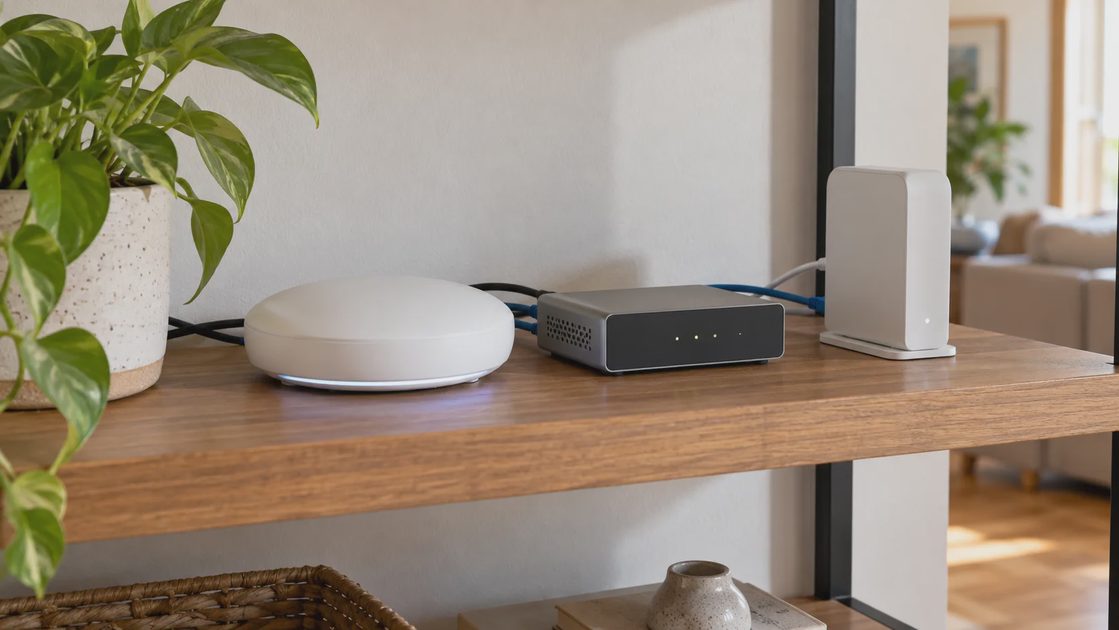
“Hub” is a broad shopping term. For a Matter project, identify the functions the equipment actually performs. One physical product can perform several functions, while another similar-looking product may lack the one you need.
Matter controller: manages supported Matter devices
A Matter controller participates in controlling devices through Matter. Your selected platform needs a supported controller arrangement; check its current requirements rather than assuming the phone app alone provides everything needed for persistent home operation.
List the exact controller model and the platform it belongs to. Then verify the accessory type and intended functions. A platform recognizing a device category is different from exposing a particular advanced setting.
Thread border router: connects the Thread network to other networks
For a Matter-over-Thread project, a Thread border router provides the route between the Thread network and the home's IP network. It is a network role, distinct from Matter control, although one product may provide both.
The Thread Group distinguishes battery end devices, routing devices, and border routers. Battery end devices do not extend the mesh by routing messages. That matters when you assess whether an existing network actually reaches a new sensor. Thread Group: Thread in homes.
Do not buy several border routers merely because the word mesh suggests more is always better. Verify the platform's supported arrangement and how the devices join the intended network. Address a demonstrated coverage or resilience need rather than accumulating overlapping hardware.
Matter bridge: exposes supported non-Matter devices
A Matter bridge can make selected devices behind it available to a Matter platform. The accessory can retain its original connection, such as Zigbee, while the bridge presents supported functions through Matter.
Home Assistant's Matter documentation gives examples of this approach and warns that not every device or feature behind a bridge is necessarily exposed. A bridge therefore can preserve useful equipment, but it is not a universal translator. Home Assistant: Matter bridges.
For an existing lighting system, compare its native integration with its Matter bridge route. Use whichever supported path provides the functions and reliability you need. Newer terminology alone does not establish a better arrangement.
What Matter can genuinely simplify
The practical benefit is fewer brand-specific compatibility barriers for supported control. You may be able to choose a suitable accessory from a different manufacturer and bring its ordinary functions into a platform the household already uses.
That can improve buying flexibility. You can evaluate a sensor's mounting, a switch's physical controls, or a plug's appropriate electrical rating without limiting the search to one brand's entire catalog. The candidate still needs to satisfy the platform and installation checks.
Matter can also help separate device choice from control preference. A household might prefer one app for daily use while retaining another supported platform for a different user. The important question is whether that arrangement serves a real need.
Potential benefit | Useful household example | Remaining check |
|---|---|---|
Cross-brand basic control | Add a suitable plug to the existing home app | Exact model and supported functions |
Platform choice | Keep familiar controls for different household users | Supported sharing and permissions |
Bridge existing accessories | Retain working lighting behind a compatible bridge | Exported device and feature list |
Local communication | Use a supported local control path | Where the automation itself runs |
More flexible future purchases | Avoid unnecessary dependence on one accessory brand | Ongoing support and model availability |
These benefits are possibilities to verify, not guarantees about every product combination. A manufacturer's specific advanced feature can remain outside the common controls that another platform exposes.
What Matter does not fix
Physical installation and load compatibility
A Matter smart switch can still require a neutral that your wall box lacks. A Matter lock can still be unsuitable for the door. A compatible communication standard does not determine electrical ratings, mounting, weather resistance, or mechanical fit.
Check these fundamentals first. A product that cannot be correctly installed should leave the shortlist before you evaluate its app integrations. The same applies to rental permission and the household's physical controls.
Coverage and network conditions
Matter does not make radio signals ignore walls or poor placement. A sensor still needs a usable connection in its actual location, and its supporting equipment must remain available.
Home Assistant documents local IPv6 and discovery traffic requirements for its Matter integration. Those are useful examples of why a device can have the right certification while a particular network arrangement interferes with setup or control. They are platform-specific troubleshooting guidance, not a recommendation to disable network security generally. Home Assistant: Matter network requirements.
If your current devices struggle in one part of the house, investigate that location before expecting a Matter replacement to solve it. The failure may involve power, placement, network configuration, or the existing routine.
Every advanced setting and service
A product can offer functions in its manufacturer's app that are absent in the home platform. Examples worth checking include energy history, detailed sensor zones, specialized lighting effects, and service-specific access management. Availability depends on the actual device and integration.
Before purchase, write the feature as an action: “Show the plug's energy history in this app,” rather than “supports energy monitoring.” Then look for documentation that confirms that exact path.
Also check subscription boundaries separately. Matter support does not establish that every accompanying cloud service is free, local, or available without an account.
Good automation design
A standardized command can still be part of a poorly designed rule. Two platforms can send conflicting brightness changes. A motion timeout can still switch the light off while someone reads. One person's phone leaving can still be an inadequate signal that the home is empty.
Keep the rule understandable and assign clear ownership. Use one system to run each routine initially, then add cross-platform behavior only when there is a specific benefit and you understand its interaction with the existing rules.
Local control and remote control are different promises
Matter's local communication is useful because ordinary device control can take place inside the home through the appropriate system. However, “local” does not mean every feature works when every dependency is missing.
For away-from-home access, the CSA says Matter-only devices need an internet-connected controller in the home. A product may also have its own remote-service path. Verify which route your chosen app uses. CSA: remote access.
Now distinguish several interruptions:
Missing dependency | Question to ask |
|---|---|
Internet service | Do local commands and the specific routine still work? |
Manufacturer cloud | Is the chosen integration local or cloud-dependent? |
Controller power | Which controls and rules depend on that controller? |
Thread border router | What connection remains available for Thread devices? |
Device power | What physical or supported fallback remains? |
User's phone | Can another household member still control the home? |
A Wi-Fi connection and internet service are not the same thing. The local network can remain available during an internet outage. Conversely, a controller losing power can interrupt a local routine even when the internet is working.
Check outage behavior with a low-consequence device through a supported, controlled procedure. Do not use necessary access or climate control as your first experiment. Preserve ordinary controls while evaluating convenience features.
Use multi-admin deliberately
Matter's multi-admin feature allows supported devices to be shared with multiple control platforms. It can help a household avoid choosing a single preferred app for every person, but the arrangement still needs careful ownership and verification.
Start with one platform and establish a working baseline. Then use the documented sharing process to add another. Do not assume that scanning the original setup code repeatedly is always the correct way to share a device already in use.
After sharing, test the same basic action from both platforms. Check naming, room assignment, permissions, and which automations remain active. A physical device can appear under different names without being a different device.
The main practical risk is confusion rather than the existence of another app. If both platforms run a bedtime routine, they may issue overlapping commands. Keep a short record of which platform owns which behavior, and disable redundant routines deliberately.
When removing a platform, follow its supported process and verify the intended access has ended. Removing one app from a phone should not be assumed to revoke every relationship between the device and that platform.
Read “Matter-ready” as a claim to investigate
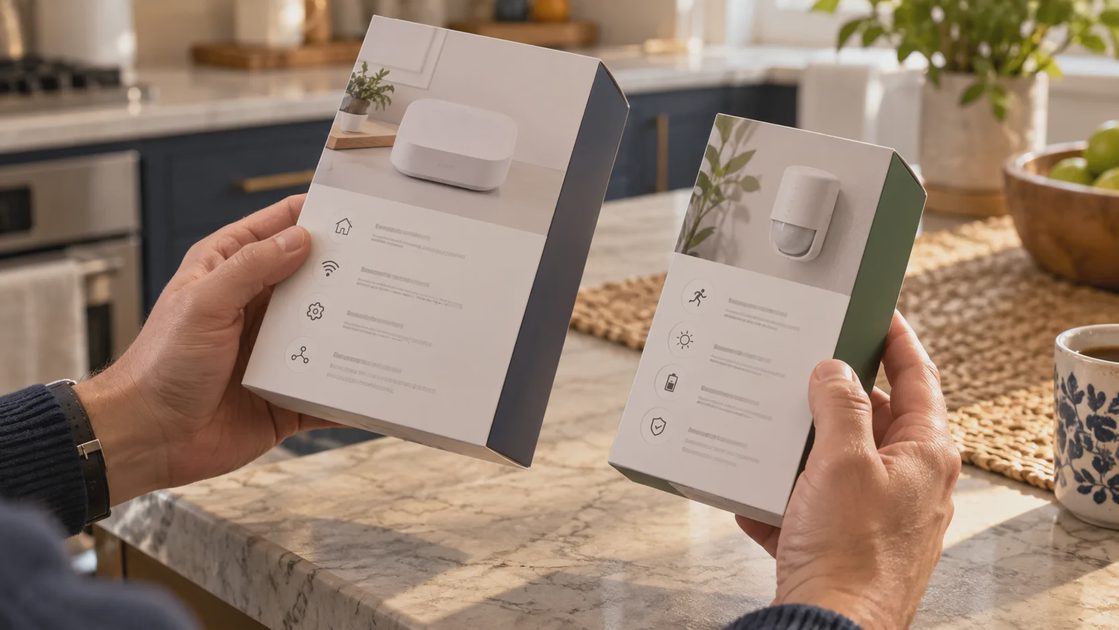
A purchase decision should be based on the exact product's currently available functionality. Advertising about a future update is different from functionality available on the unit you can install today.
Check the model number, regional variant, current firmware requirements, and whether Matter is built in or provided through a separate bridge. Do not assume a similarly named product has the same connectivity.
Your buying record should answer:
Is Matter support available now for this model?
Does the device use Wi-Fi, Thread, or another supported route?
Which controller and network equipment are required?
Is the intended device category supported by the chosen platform?
Which exact functions appear there?
Does setup or maintenance require the manufacturer's app?
How are firmware updates delivered in this arrangement?
What remains usable when a remote service is unavailable?
If a critical answer is missing, ask for model-specific documentation or choose a product whose present requirements are clear. A promised update may eventually be useful, but it should not be the only reason a currently unsuitable purchase becomes acceptable.
Upgrade one useful routine instead of rebuilding the home
Imagine a hypothetical household with working lighting and an unreliable entryway sensor. The goal is a dependable entry light, not a new standard throughout every room.
First diagnose whether the sensor problem is battery, placement, connection, or the rule itself. If replacement is justified, check whether a Matter sensor provides the needed function in the existing platform. Then compare the required supporting hardware with another supported sensor path.
Keep the working lamp if the platform can already control it. Install and verify the new sensor without changing several unrelated routines. Observe normal entries, daylight behavior, manual override, and occasions when someone stays in the space.
A staged approach has a practical advantage: when something changes, you know which part to investigate. A whole-home migration can produce several simultaneous failures and obscure whether Matter, the network, the installation, or a new automation caused them.
Choose Matter for a demonstrated benefit
Matter is worth considering when it gives a suitable device the supported controls you need in a platform the household wants to use. It can also help preserve useful accessories through an appropriate bridge or offer a practical cross-platform arrangement.
Keep an existing integration when it already provides the needed behavior. Retain the manufacturer's app when it performs a necessary configuration or maintenance role. Skip a migration when it adds equipment and effort without improving daily use.
Before you buy, complete one sentence: “This Matter connection lets our household ___ with equipment we have verified.” If the answer is only that the box displays a newer logo, revisit the project. Compatibility is valuable when it produces a clear result: a home that remains easy to control, maintain, and live in.