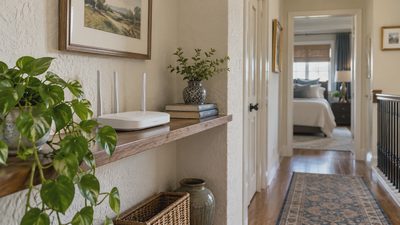
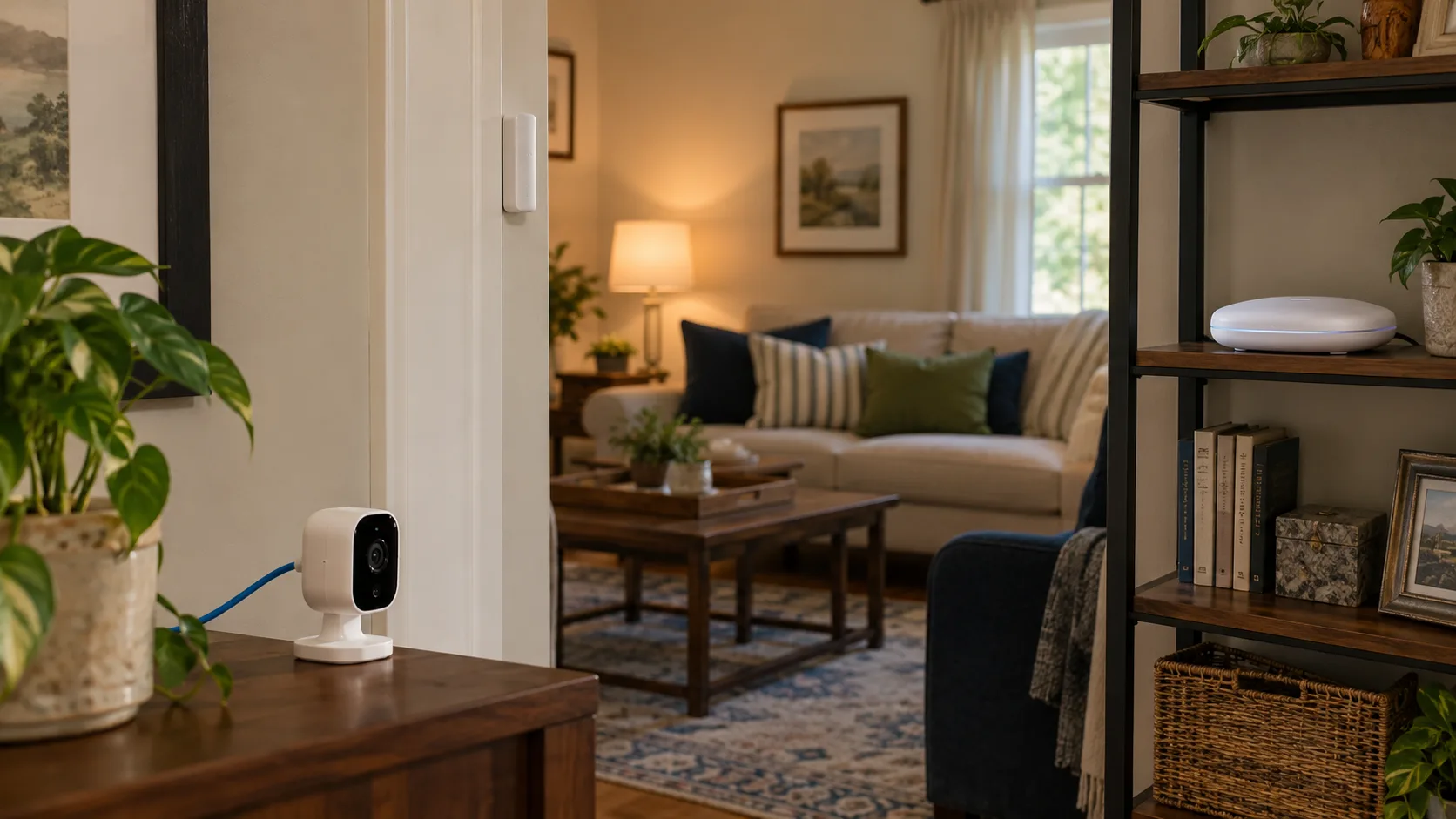
Choose a smart-home connection by the device's job, the equipment you already own, and the features your control platform supports. A camera sending video has different needs from a battery sensor reporting an open door. A useful comparison starts with those differences rather than declaring one radio the winner for every room.
Wi-Fi is often practical for devices needing the ordinary home network or substantial data transfer. Thread, Zigbee, and Z-Wave are worth evaluating for supported control and sensor projects. The exact product, infrastructure, installation, and control path matter more than the connection name alone.
You can use more than one connection in the same home. That is reasonable when each system has a clear purpose and someone can maintain it. This guide helps you choose what to add, keep, or simplify without turning the house into a collection of unrelated networks.
First separate three questions that product boxes mix together
The first question is how the device communicates: Wi-Fi, Thread, Zigbee, or Z-Wave. The second is which system understands its functions: a supported platform, integration, or application standard. The third is where its control runs: inside the home, through an online service, or through a combination.
These answers are related, but one does not establish the others. A Wi-Fi product can offer local control or require a vendor service. A Thread product needs a supported application arrangement; the Thread label alone does not mean Matter support. A Zigbee accessory needs a compatible coordinator and implementation, not simply any box containing a Zigbee radio.
Use three lines for each candidate:
Connection: How the messages travel.
Control compatibility: Which platform exposes the intended functions.
Dependencies: What must remain powered and available for the routine.
For example, “battery sensor, Zigbee, recognized by this hub, with the routine running locally” is a more useful description than “smart sensor compatible with everything.” It tells you what to verify before ordering and what to investigate if the routine fails.
Compare the connections by household consequences
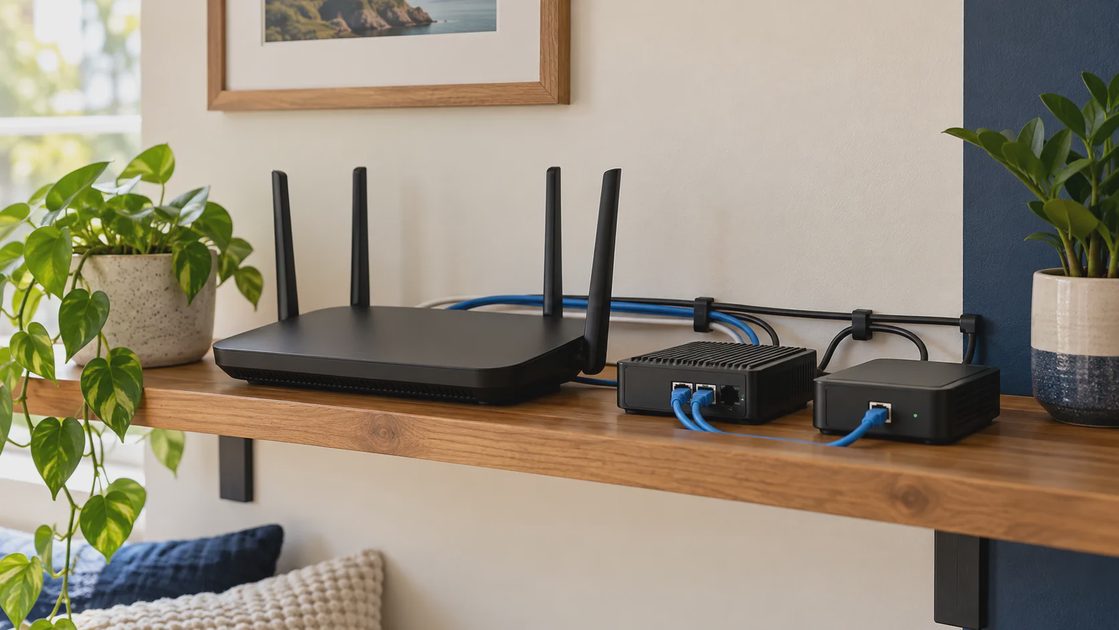
The table below is a planning comparison, not a speed ranking or measured reliability test. Individual products can have exceptions, and exact requirements must be checked.
Connection | Typical household fit | Supporting equipment to verify | Main planning concern |
|---|---|---|---|
Wi-Fi | Cameras and other products using the existing home network | Compatible access point and any required controller or service | Coverage, band support, and control dependencies |
Thread | Supported low-power sensors and control devices | Thread border router plus the required application controller | Actual network membership, coverage, and supported functions |
Zigbee | Lighting, sensors, and control accessories | Compatible coordinator or hub and device support | Implementation compatibility and stable routing coverage |
Z-Wave | Supported locks, sensors, switches, and controls | Compatible regional controller and device integration | Regional version, inclusion, and supported operating mode |
Do not read “typical fit” as a product recommendation. A particular lock may offer features through one integration that another omits. A particular sensor's battery requirements or mounting can matter more than a theoretical advantage of its radio.
Also distinguish network equipment from the automation platform. One physical hub can contain several radios and run the rules. Another device can provide a network function while leaving the control logic elsewhere. Verify the role rather than counting boxes.
Choose Wi-Fi when it matches the device and the existing network
Wi-Fi can be a straightforward option for a few plug-in devices when the required coverage is already good and the chosen platform supports them. It also suits products that send more data than a small sensor event, such as a connected camera.
For each candidate, check its supported Wi-Fi bands and security requirements. Do not assume every smart device accepts the same band arrangement as your laptop. Avoid changing the entire network just because one pairing attempt fails; use the manufacturer's supported troubleshooting first.
The practical checks are:
Does the device have a usable connection at its final location?
Does its exact model support the network configuration?
Is ordinary control local, cloud-dependent, or both?
What happens to the intended routine during an internet interruption?
Does remote access require an account or service?
Can the household still use the relevant physical control?
A phone receiving a strong signal is useful context, but it does not prove another device's radio will behave identically in a wall box or behind furniture. Evaluate the installed device in the real position.
A few Wi-Fi devices do not justify a whole-house migration
Suppose two Wi-Fi plugs work consistently and meet the household's needs. Replacing them simply to standardize on Thread or Zigbee creates cost and setup work without a demonstrated benefit.
Conversely, buying a dozen inexpensive Wi-Fi accessories without reviewing their account, platform, and maintenance requirements can create several separate systems. The concern is not a universal numerical limit; it is whether the actual network and ownership arrangement can support the proposed devices.
Keep functioning equipment, and expand only after observing the existing setup. If problems appear, diagnose the cause before assigning blame to Wi-Fi as a category.
Choose Thread when a supported low-power network fits the project
Thread is an IP-based mesh network designed for low-power smart-home communication. A Thread border router connects that network to other home networks. Suitable routing devices can extend coverage, while battery end devices generally do not perform that role. The Thread Group documents these roles. Thread Group: home-network roles.
For a new Matter-over-Thread sensor, check both the Thread path and the Matter control requirements. A border router does not automatically provide every controller function, even though one physical product may perform both roles.
The purchase question is practical: does the home already contain supported infrastructure that reaches the sensor's final position? If yes, Thread can avoid creating another unrelated radio system. If not, compare the supporting hardware cost with other suitable options.
Do not assume a drawer full of battery sensors makes the mesh stronger. Identify which existing devices route traffic and remain powered. A routing product that household members regularly switch off may be a poor foundation for a dependent routine.
Verify the intended network rather than assuming all hardware merges
Multiple products can advertise border-router functions. Whether they participate in the intended network depends on the supported ecosystem, software, and credential arrangement. Check current platform guidance before buying another device to solve a coverage complaint.
A useful record includes the border-router model, where it is located, which application controls the accessory, and which routine depends on it. You do not need to administer every packet to maintain that record; you need enough information to distinguish network access from rule ownership.
For an existing Thread setup, prefer a small addition you can evaluate over a simultaneous change of controller, sensors, and automations.
Choose Zigbee when the hub and accessory are verified together
Zigbee is commonly used for connected lighting and sensors through a compatible coordinator or hub. The coordinator manages the network; suitable routing devices provide paths for other devices. Battery accessories are not generally the equipment you rely on to extend it.
Home Assistant's ZHA documentation emphasizes device support, routing coverage, and interference avoidance. It also cautions about compatibility differences between implementations. This is a reason to check an exact accessory-and-controller combination instead of treating a shared radio label as complete proof. Home Assistant: Zigbee Home Automation.
If you already own a working Zigbee lighting bridge, a supported sensor may be an efficient addition. Check whether it delivers the event and controls you need in the intended app. A manufacturer-specific hub may accept a narrower accessory set than a general platform.
For a new installation, map the intended locations before buying many sensors. Position supporting equipment thoughtfully and follow the controller's documented pairing guidance. A collection of distant endpoints is not the same thing as a well-covered network.
Keep radio conditions separate from device defects
A sensor working beside the coordinator but failing behind a metal cabinet needs a location and connection investigation. That observation alone does not prove the sensor is defective or that Zigbee is unsuitable for the house.
ZHA's documentation identifies interference and coordinator placement as factors to evaluate. Use its guidance for that platform, and use the relevant vendor instructions elsewhere. Do not change every radio channel in the home at once; record one supported change and its result.
If a working device loses functionality after a hub migration, inspect integration support as well as signal quality. Receiving a message and exposing the intended feature are different parts of compatibility.
Choose Z-Wave when the region and controller match
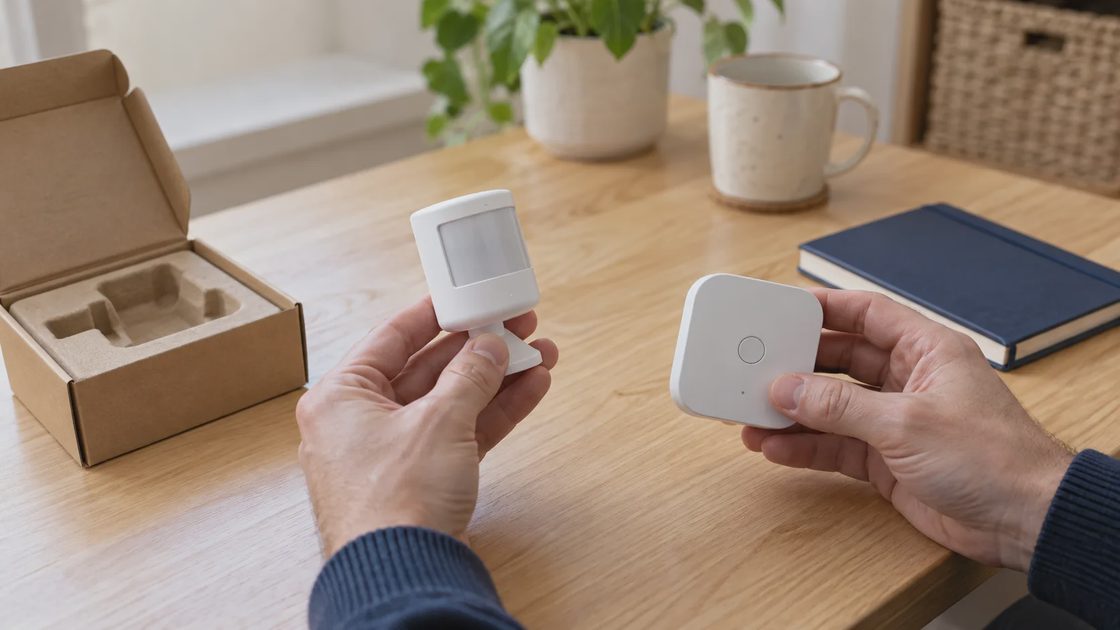
Z-Wave is designed for smart-home control and uses regional sub-GHz radio allocations. The Z-Wave Alliance describes the hub's role in controlling accessories. For a U.S. home, verify the correct regional product variant rather than importing an accessory because its model name looks familiar. Z-Wave Alliance: consumer guidance.
A different frequency range does not guarantee success through every wall. Placement, power, controller support, and the installed environment still matter. Avoid translating advertised range into a promise about a metal door, garage, or distant room.
Check these details before purchase:
The device and controller are the correct regional versions.
The controller supports the exact product and required features.
The intended inclusion and security process is documented.
Any existing ownership or network association can be removed properly.
The operating mode and coverage plan match the equipment.
Manual operation remains appropriate for the device's job.
For a lock, also complete the mechanical checks. A successful wireless connection cannot correct a bolt binding against the frame.
Do not treat every Z-Wave arrangement as the same mesh
Silicon Labs distinguishes conventional Z-Wave mesh from Z-Wave Long Range, which uses a star topology. That means a generic “add a repeater” explanation is not appropriate for every operating mode. Silicon Labs: Z-Wave operating modes.
Verify what the selected device and controller actually support. Do not assume Long Range is active simply because one component mentions it. Likewise, do not add equipment based on a network diagram for another mode.
For secondhand accessories, follow the supported exclusion, reset, and inclusion guidance. Preserve useful configuration and controller backups where available before disruptive changes. A documented recovery sequence is preferable to repeatedly resetting the whole installation.
Ask where the automation runs before judging offline behavior
The connection name does not tell you where a routine is evaluated. A sensor can communicate locally while its action depends on an online automation service. A Wi-Fi device can participate in a local integration when the product supports that path.
Home Assistant distinguishes local integrations from vendor-cloud dependencies in its offline-operation guidance. That illustrates the question to ask of your own platform: does this specific control path remain available without internet service? Home Assistant: operation without internet.
Write the routine as a chain: sensor event, rule owner, command path, and device action. Then mark the dependencies. This gives you a more useful assessment than the claim that a protocol is “always local.”
For each essential behavior, check:
Dependency | What to establish |
|---|---|
Device power or battery | What happens when the accessory cannot operate? |
Radio or access point | How does the event reach its controller? |
Hub or automation host | Does the rule require this equipment? |
Online service | Which functions stop if it is unavailable? |
User account | Who can recover access or change settings? |
Physical control | Can people still use the room or device? |
Internet interruption, local network interruption, and controller power loss are different events. A product can handle one and fail during another. Test low-consequence convenience equipment first through supported procedures, preserving household access and necessary services.
Make the choice for one real project
Consider three hypothetical projects. These illustrate planning logic, not measured product comparisons.
One table lamp on an evening schedule
Start with the existing lamp and ordinary control. A timer may solve the problem. If remote or flexible scheduling is useful, compare an appropriately rated plug-in controller supported by the household's preferred system.
An existing Wi-Fi network can make a suitable Wi-Fi plug practical. Existing Thread or Zigbee infrastructure can make a supported accessory equally sensible. The lower total setup burden may decide the choice; there is no need to create an additional network for a feature another system already provides.
Several battery sensors across an existing house
Map the final locations and the supported routing or coverage infrastructure. Evaluate Thread, Zigbee, or Z-Wave accessories against the actual platform, features, and maintenance requirements.
Buy and trial a small representative set before ordering the whole house. Include a difficult location and the intended routine. A sensor appearing in a device list is only the first check; the household needs its event to produce the correct action reliably.
A camera at the garage
Video needs a connection and product designed for that workload. Evaluate the camera's supported networking, power, storage, and privacy requirements. A low-power control network should not be selected merely to make every accessory use the same protocol.
Check the final location with the garage in ordinary use. If suitable wired networking and power are available, include that alternative in the decision. The best camera arrangement may differ from the sensors nearby.
Use a purchase worksheet instead of a protocol score
For each suitable candidate, record the complete arrangement. Leave missing answers visibly unconfirmed rather than filling them with assumptions.
Decision item | Candidate A | Candidate B |
|---|---|---|
Exact device and region | To verify | To verify |
Required function in chosen platform | To verify | To verify |
Supporting equipment already owned | List it | List it |
New hardware and recurring costs | Obtain current amounts | Obtain current amounts |
Final-location coverage | Trial or documented plan | Trial or documented plan |
Local and remote dependencies | Identify separately | Identify separately |
Manual fallback | Verify | Verify |
Maintenance and recovery | Record procedure | Record procedure |
Reject a candidate that fails a required function even if it scores well on other dimensions. A sensor with excellent theoretical battery efficiency is unsuitable if the platform cannot use its event for the intended routine.
Avoid invented latency, battery-life, or reliability scores. Without comparable testing under relevant conditions, numerical rankings can conceal more than they explain. Exact feature support and total ownership requirements are useful evidence you can actually verify.
Keep a mixed home manageable
A mixed home works best when the systems have clear purposes. You might retain a lighting bridge, use Wi-Fi for cameras, and add a supported low-power sensor network. The maintenance cost rises when accounts, rules, and ownership become unclear, not simply because more than one radio exists.
Name devices consistently, document controller roles, and keep one owner for each routine. Save recovery instructions securely and review unused integrations before adding more equipment. If a system serves only one unnecessary device, removing it may simplify the home.
Choose the connection that produces the required behavior with a supported installation and manageable dependencies. Keep working equipment, diagnose failures before replacing it, and add infrastructure only for a demonstrated need. The result should be a home that is easier to operate, regardless of which radios make that possible.