
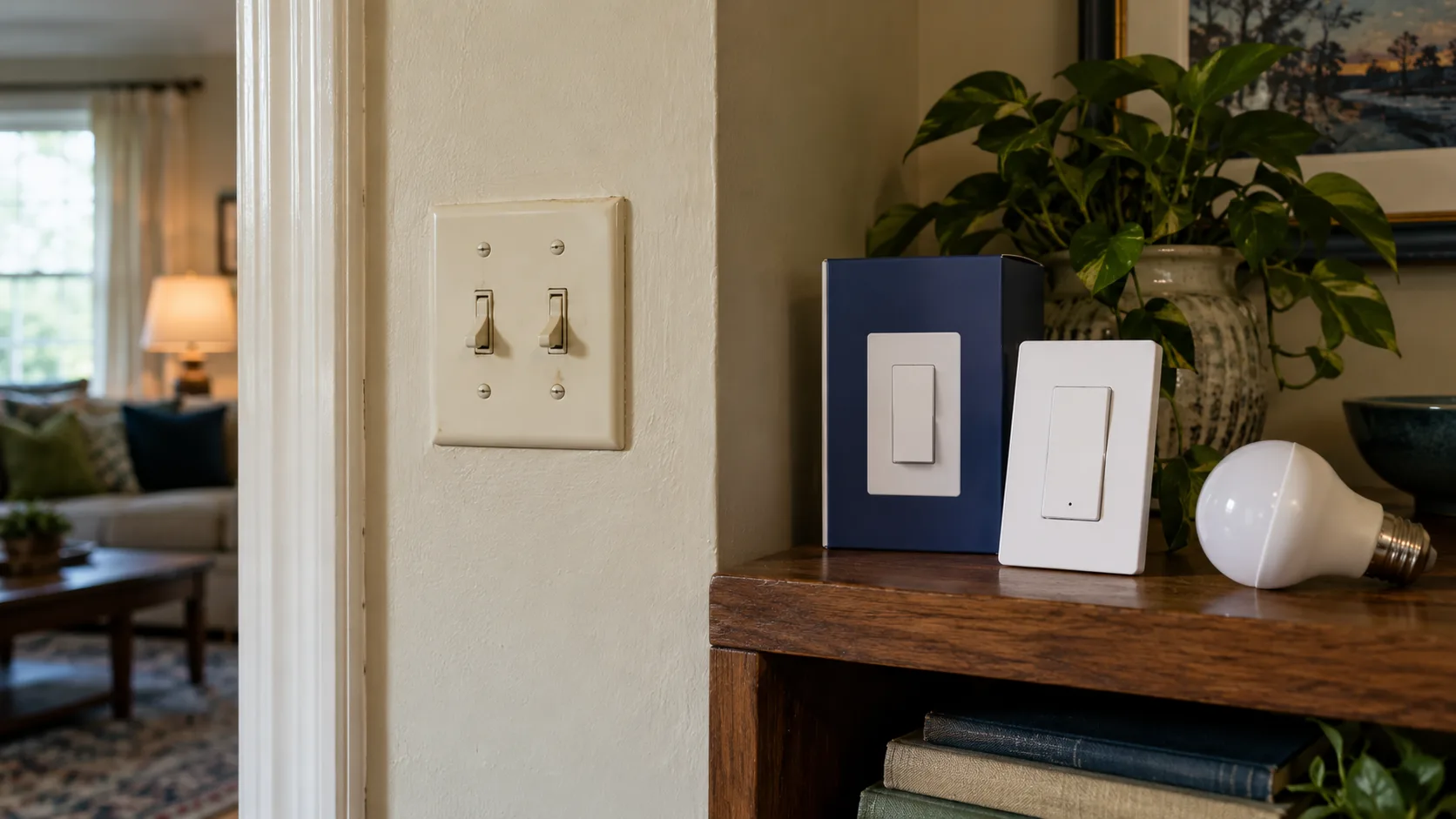
Installing a smart switch starts before the wall plate comes off. You need to know what the existing switch controls, how many locations control that same load, whether the replacement matches the wiring and lighting, and who will carry out the electrical work. Those answers determine which products are suitable and whether the project should proceed at all.
Use this smart switch installation checklist to make a purchase and installation plan, rather than to guess which wire goes where. A connected switch can make everyday lighting easier, but an incompatible dimmer or an unsuitable installation can leave you with flickering lights, missing controls, or electrical hazards. The correct wiring diagram belongs to the exact model and circuit configuration.
For U.S. homeowners, this guide separates useful planning from work inside an electrical box. If you cannot safely isolate and verify a circuit, identify conductors, or assess the existing installation, have a licensed electrician handle that work. Renters should obtain the property owner's permission before replacing fixed electrical equipment.
Start with the light you actually want to control
Before choosing a brand, write down the outcome. “Turn the porch lights on at sunset” calls for different behavior from “dim the dining-room fixture during dinner.” A basic on/off switch does not provide dimming, and a lighting dimmer is not automatically appropriate for a fan motor.
Walk around the room and operate the existing controls. Does one switch control a ceiling fixture, several recessed lights, an outlet, or a combined fan-and-light assembly? Does a second wall switch operate the same lights from another doorway? Are any of the bulbs already smart bulbs?
Create a short record while everything still works:
Planning item | What to record | Why it changes the decision |
|---|---|---|
Location | Room and wall position | Identifies the project without relying on app names |
Controlled load | Fixture, lamps, fan, or receptacle | Determines the required device category and rating |
Desired action | On/off, dimming, schedule, or scene | Prevents buying features you do not need |
Control locations | One, two, or more wall locations | Determines the supported circuit arrangement |
Existing problems | Flicker, unreliable operation, unusual noise | Establishes issues that predate the new switch |
Household users | Adults, children, visitors, tenants | Shapes the physical control and override requirements |
If a conventional switch already behaves poorly, resolve that problem first. Adding software does not diagnose a damaged fixture, incompatible bulb, or loose electrical connection. Likewise, a light that is unpleasantly bright may need a better bulb or fixture rather than a connected control.
Decide whether the wall switch is the right place for intelligence
Smart bulbs can offer color or individual lamp control, while a smart wall switch can preserve a familiar control point for a group of ordinary compatible lights. Those are different approaches to the same room.
A standard smart dimmer should not be assumed compatible with smart bulbs. Cutting or modulating their supply can interrupt connectivity or conflict with their electronics. Some systems support a documented smart-bulb mode or companion control, but that is a model-specific feature. Choose one supported arrangement rather than layering two independent controls and hoping they cooperate.
For a plug-in lamp, a compatible plug-in controller or ordinary timer may accomplish the goal without changing fixed wiring. Include that alternative in your decision, particularly in a rental or a room where the wall box presents a difficult installation.
Confirm the wiring requirements before ordering
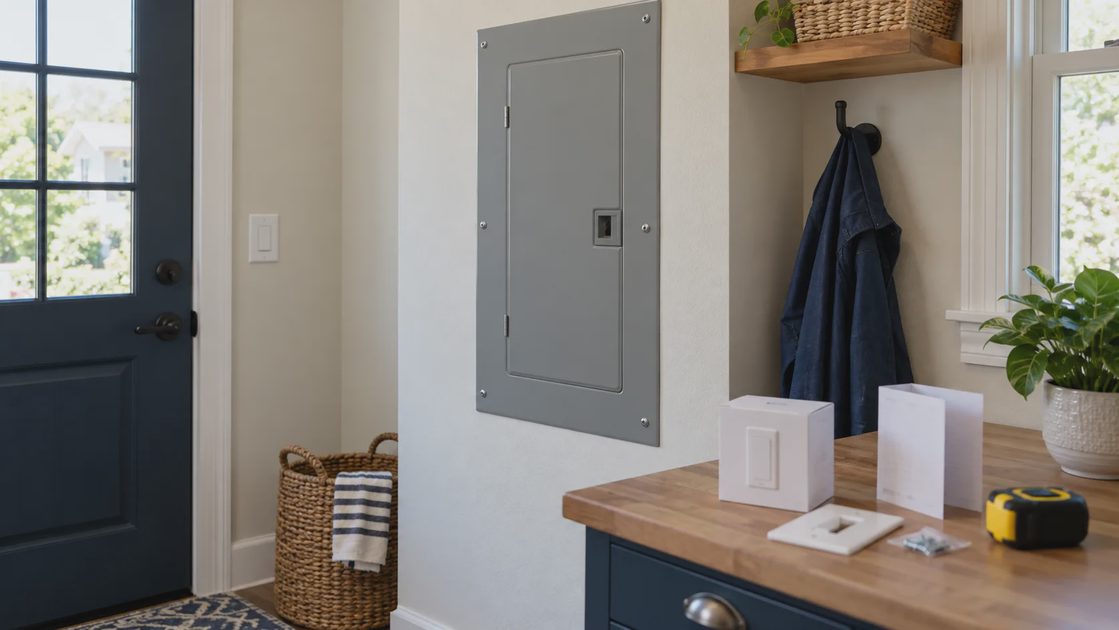
The key question is not whether a product is described as “easy to install.” It is whether its installation requirements match the actual circuit. A product that works in one room can be unsuitable in another room in the same house.
Many smart switches require a neutral connection; some specifically designed products do not. Lutron's documentation, for example, identifies the Claro DVRF-5NS as requiring a neutral. That is a requirement for that model, not a rule for every connected switch. Check the replacement's actual manual and specification sheet. Lutron: Claro smart switch requirements.
A neutral is part of the circuit's normal current path. Equipment grounding serves a different safety purpose and must not be substituted for a required neutral. Do not determine a conductor's function from color alone, and do not assume a house's age proves what is present in a particular box. Previous renovations can change the arrangement.
Ask the installer to confirm these points:
The circuit and all sources supplying the box can be safely isolated.
The relevant conductors have been identified, rather than inferred from color.
Any required neutral is available in the correct circuit.
Grounding and the existing equipment condition are appropriate.
The product supports the actual voltage and circuit arrangement.
The electrical box has adequate capacity for the finished installation.
A photograph is useful documentation, but it does not prove that a circuit is de-energized or identify every hidden connection. The manufacturer’s instructions and appropriate electrical verification remain necessary.
Treat no-neutral products as specific designs
“No neutral required” is not permission to omit a neutral from a product that requires one. It describes a different product design with its own limits. Depending on the model and load, there may be minimum-load requirements, compatibility restrictions, or a manufacturer-approved accessory.
Lutron's explanation of neutral-based dimmers discusses their effect on dimming performance and unwanted LED glow. The practical lesson is to investigate the complete dimmer-and-light combination, not to assume that all no-neutral equipment behaves identically. Lutron: neutral-based dimmers.
If the exact product needs an accessory, identify its approved part and installation requirements before buying. An improvised resistor, borrowed neutral, or grounding substitution is not an acceptable way to make an unsuitable product fit.
Preserve every existing control location
In U.S. terminology, a single-pole switch typically controls a light from one location. A conventional three-way arrangement provides two control locations. A circuit with additional locations may include four-way switches. The names can be confusing, so record the number of usable wall locations as well as any terminology in the manual.
A product supporting three-way operation may work with an existing mechanical switch, a specific wired companion, or a wireless remote. These arrangements are not interchangeable. The companion can have its own wiring requirements and may expose different controls.
Lutron's installation guidance demonstrates why the supported configuration must be identified before installation: it distinguishes several arrangements involving mechanical switches, remotes, and accessories. Use the instructions for the selected combination; do not transfer wire assignments from another product. Lutron: multi-location configuration guidance.
Before approving the project, answer:
Which location receives the main smart control?
What remains at each other location?
Does each location retain on/off control?
Where will dimming be available, if required?
Does any new remote require a replaceable battery?
Can a visitor understand the finished controls without a phone?
A hallway with two doorways should not become harder to use because only one end now has a working control. If the chosen arrangement sacrifices a useful location, compare another supported arrangement before proceeding.
Match the control to the real electrical load
A device's rating is a limit for specified kinds of equipment, not a general allowance to connect anything below a large number printed on the box. LED, incandescent, transformer-fed lighting, and motors can have different limits or compatibility requirements.
Record the fixture and bulb information available without dismantling equipment. Include the bulb's exact model when possible, not simply “LED.” A bulb sold as dimmable still needs a suitable dimmer. Integrated LED fixtures may have their own driver restrictions.
Existing equipment | What needs checking | Avoid assuming |
|---|---|---|
Ordinary LED bulbs | Dimmability and dimmer compatibility | Every LED dims smoothly |
Integrated LED fixture | Fixture and driver documentation | A replaceable-bulb compatibility list covers it |
Multiple lamps together | Actual total load and applicable limits | Equivalent incandescent wattage is electrical consumption |
Ceiling fan | Approved motor-control function | A lighting dimmer can control fan speed |
Fan and light combination | Separate load and control arrangement | One smart lighting control handles both functions |
Switched receptacle | Product approval for the application | A lamp today is the only load anyone will ever connect |
If dimming is the goal, inspect compatibility information before purchasing a set of switches for the entire house. Lutron provides an LED compatibility tool for its own controls and tested lamp combinations. Such a tool is useful evidence for a particular pairing, not proof about every fixture or another manufacturer's dimmer. Lutron LED compatibility tool.
Check whether the instructions require rating adjustments when multiple controls share a box. Do not apply a generic percentage from a forum; use the selected product's published limits for the actual installation.
Check fit, condition, and room environment
A smart switch can be deeper than the device it replaces. The installer must account for the switch body, conductors, connectors, and the box's allowed capacity. A wall plate that closes does not by itself establish that the installation is acceptable.
For a multi-gang box, consider the whole assembly. Adjacent devices, faceplate alignment, and manufacturer instructions may affect the finished result. Avoid treating each replacement as independent when they share space and installation constraints.
Plan the work around the room's environment, too. A damp area, outdoor location, or unusual temperature exposure requires equipment suitable for that application. A typical indoor wall control should not be presumed weather-resistant because it operates a light outside.
Stop and obtain professional assessment if there are signs of damage, deterioration, scorching, unexplained breaker trips, or wiring that cannot be confidently identified. Do not cover an unresolved problem with a new device and fresh wall plate.
For renters, clarify who will own the installed equipment, whether the original switches must be retained, and who will restore the property. Written permission is easier to settle before installation than during move-out.
Verify connectivity without confusing it with wiring compatibility
Once the electrical requirements match, check the connection requirements. A Wi-Fi switch, a Zigbee switch, and a switch using a dedicated bridge can require different supporting equipment. None of those radio choices tells you whether the product matches the wall wiring.
Write down the exact desired feature and where it should appear. “Works with my platform” might mean basic on/off control, while an advanced scene action remains available only through the manufacturer's app. A Matter label likewise should be checked against the exact device and controller features you need.
Your connection checklist should include:
Supported network or radio type for the exact model.
Required hub, bridge, controller, or account.
Coverage at the actual wall location.
Supported platform and the particular controls it exposes.
Local physical operation when an online service is unavailable.
Software update and recovery procedures.
Check the room before installation day rather than discovering a coverage problem after the wall equipment is changed. For radio systems other than Wi-Fi, a phone's Wi-Fi indicator is not a measurement of that device's connection.
Name the switch by the fixture it controls, such as “Kitchen ceiling,” instead of a product serial number or “Switch 1.” That small decision makes later support easier for everyone in the household.
Budget for the finished room
A low switch price can hide the cost of companions, a bridge, compatible bulbs, wall plates, and professional labor. Compare complete working arrangements, not isolated devices.
A useful cost record has four columns: item, quantity, quoted cost, and whether the amount is confirmed. Include the work needed to resolve existing problems separately from the connected upgrade. That makes it easier to understand which costs are necessary maintenance and which buy convenience.
Avoid converting promised convenience into invented energy savings. A schedule can reduce unnecessary lighting time, but the value depends on the actual load and how often it would otherwise stay on. A connected dimmer does not guarantee that the overall electricity bill will fall.
For several rooms, start with one representative installation. Choose a location that offers a clear benefit while letting you evaluate the physical controls and lighting behavior. Different wiring or fixtures still need separate assessment before repeating the setup elsewhere.
Agree on an installation and acceptance sequence
The safest installation plan follows the exact manual and applicable local requirements. At the planning stage, agree on the sequence rather than trying to produce a universal wiring recipe.
Resolve compatibility, permission, and existing-condition questions.
Have the appropriate installer isolate and verify the circuit before electrical work.
Install and inspect according to the exact product instructions.
Verify physical lighting control before adding automations.
Pair the device through the supported setup process.
Test each intended control location and feature.
Add one simple routine and document its override.
Test dimming, where supported, across the usable range. Look for unexpected flicker, failure to start, or behavior that differs between bulbs. Report the exact symptom rather than repeatedly changing several settings at once. If there is abnormal heat, smell, noise, or a breaker trip, stop using the installation and arrange an electrical assessment.
Acceptance check | Successful result |
|---|---|
Main wall control | Operates the intended fixture consistently |
Secondary locations | Retain the agreed controls |
Dimming | Works within the documented usable range |
App operation | Controls the correct named fixture |
Schedule | Uses the correct time and selected days |
Override | A household member can take control predictably |
Recovery note | Model, manual, and ownership details are retained |
Do not make the first routine complicated. A simple lighting schedule is easier to evaluate than a combination of motion, location, and several competing scenes. Confirm the switch's basic behavior before asking it to participate in a larger system.
Keep a record that makes the next repair easier
Save the model number, installation manual, installer details, and any compatibility decisions. Record which accessory belongs to which control. Store account credentials securely rather than printing them on a household instruction sheet.
Ask the installer to explain any setting that affects ordinary use, including minimum dimming level or behavior after a power interruption. Household members should know how to operate the room without needing to understand the wiring.
Your final purchase decision should be straightforward: proceed when wiring, load, fit, connectivity, and controls all match; choose a different product when a documented requirement is missing; use a simpler alternative when it meets the need; or obtain professional assessment when the existing installation is uncertain.
The goal is a light that remains easy to use after the novelty wears off. Completing the checks before installation gives the connected features a sound foundation—and makes the wall control feel like an improvement every time someone reaches for it.