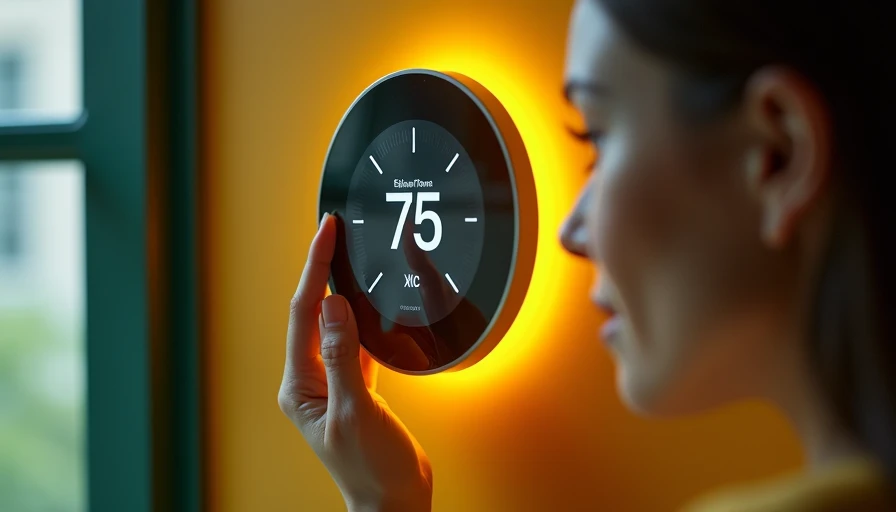
The Honeywell T9 thermostat is designed for homeowners who want more control over uneven temperatures without replacing every part of their heating and cooling system. Its main advantage is the use of wireless room sensors, which can measure temperature and occupancy away from the hallway where many thermostats are installed. Before buying, however, you should confirm your HVAC wiring, Wi-Fi coverage, and preferred smart-home platform. A smarter home should feel easier, not harder.
What the Honeywell T9 thermostat does well
A conventional thermostat usually measures the temperature in one location. That can be a problem when the hallway is comfortable but a bedroom, nursery, office, or finished basement is several degrees warmer or colder. The Honeywell T9 thermostat addresses this with remote sensors that report conditions in other rooms. You can then use the app or thermostat to prioritize a room, a group of rooms, or a schedule.
The sensor system is the reason to choose this model rather than simply buying a cheaper programmable thermostat. A sensor placed in a bedroom can help the system focus on nighttime comfort. During the day, you can shift attention to a home office or living area. Sensors typically detect both temperature and occupancy, so the system can use activity as part of its comfort decisions. You still need to configure those choices carefully; adding a sensor does not automatically fix poor ductwork or an undersized HVAC system.
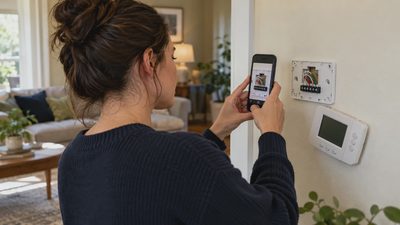
The wall unit provides a clear touchscreen interface, while the Honeywell Home app handles remote adjustments, schedules, alerts, and setup. The thermostat is made by Resideo, the company behind the Honeywell Home product line. Pricing often lands in the midrange for a connected thermostat, with sensor bundles costing more than the base unit.
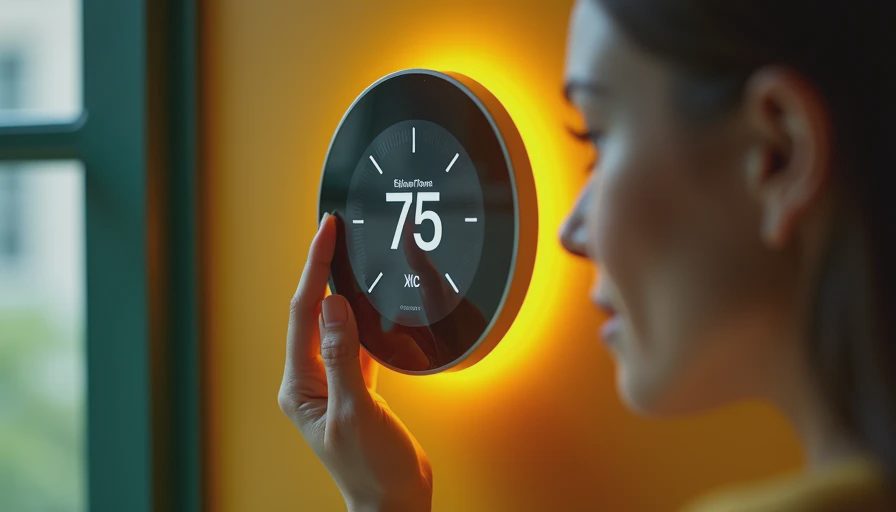
Check compatibility before removing your old thermostat
Start by photographing the existing wiring with the power turned off at the HVAC service switch or breaker. Do not rely only on the labels printed on the old thermostat, because older installations can contain unusual wiring or unused conductors. The Honeywell T9 thermostat generally supports common heating and cooling arrangements, including many conventional systems and heat pumps, but compatibility depends on the equipment and configuration.
A C-wire, also called a common wire, supplies continuous power to the thermostat. Some homes have one, and some do not. The installation kit may include a power solution for certain systems, but that does not mean every no-C-wire installation is straightforward. If you have a heat pump, dual-fuel equipment, multiple zones, electric baseboard heat, or separate heating and cooling systems, use the manufacturer compatibility checker before purchasing.
Turn off power before touching low-voltage thermostat wires, and label each wire by terminal rather than by color. If the wiring does not match the installation guide, stop instead of guessing. A licensed HVAC professional can usually complete the installation quickly, and that cost is much smaller than damaging a control board. Never work on line-voltage heating equipment as if it were standard 24-volt thermostat wiring.
Installation and Wi-Fi setup in the right order
Once compatibility is confirmed, install the wall plate, connect the labeled wires, attach the display, and restore power. The thermostat should boot and guide you through equipment selection. Resist the temptation to pair sensors before the main thermostat is working. Changing several variables at once makes troubleshooting much harder.
Next, install the Honeywell Home app, create or sign in to your account, and connect the thermostat to your home network. A strong 2.4 GHz Wi-Fi signal near the thermostat is more important than having a fast internet plan. If the device repeatedly disconnects, check router distance, metal obstructions, band-steering settings, and whether your router recently changed its password. A mesh system can help, but placing a satellite directly beside the thermostat is not always necessary.
After the thermostat is online, update its firmware if prompted. Then pair each room sensor individually and name it by location, such as Main Bedroom or Office. Walk through the app and confirm that the displayed temperature changes when you move a sensor to a different room. This simple test catches pairing and naming mistakes before they affect a schedule.
Building useful schedules and room priorities
The best Honeywell T9 thermostat setup is usually simple. Create a morning, daytime, evening, and sleep schedule only if your household follows those patterns. If people work from home or leave at unpredictable times, a smaller schedule plus manual adjustments may be more reliable than a complicated automation routine.
Place sensors at seated or sleeping height, away from supply vents, windows, exterior doors, direct sunlight, lamps, and televisions. A sensor on a kitchen counter may read higher because of cooking appliances. A sensor beside an air return may not represent the room where your family spends time.
For a two-story home, avoid asking the thermostat to satisfy every room equally when the HVAC system has only one zone. Instead, select the rooms that matter during a particular period. For example, prioritize the upstairs bedrooms at night and the downstairs living room during the evening. This will not make both floors identical, but it can make the system’s limited capacity serve your actual routine more intelligently.
Energy savings without unrealistic promises
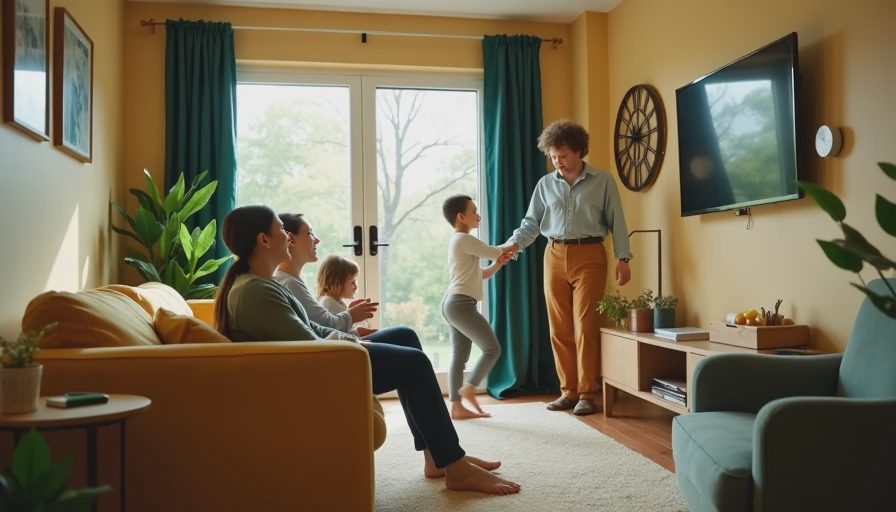
A smart thermostat can reduce waste by avoiding unnecessary heating or cooling when the home is empty, but savings depend on weather, insulation, equipment efficiency, utility rates, and how aggressively you set temperatures. A household that already uses a careful schedule may see a modest change. A household that leaves air conditioning running at the same setting all day may notice a more meaningful difference.
Use setbacks that your HVAC system can recover from comfortably. Large temperature changes are not always better, especially with heat pumps, which may use backup heat during recovery. Ask an HVAC technician about the right settings for your equipment before enabling aggressive recovery features. Review energy use over several comparable weeks rather than judging the result from one hot weekend.
The Honeywell T9 thermostat is also useful for comfort testing. If the bedroom remains cold while the thermostat reports a comfortable hallway, compare sensor readings before changing the schedule. That evidence can point to airflow, insulation, balancing, or equipment problems instead of encouraging you to buy another gadget.
Troubleshooting common problems
If the screen is blank, check the HVAC breaker, service switch, wire seating, and C-wire connection. If the thermostat works but the system does not start, verify the equipment type and temperature setpoint, then wait through the built-in compressor protection delay. Repeated short cycling deserves professional attention because it can damage equipment and increase operating costs.
If a sensor disappears, replace its batteries, move it closer to the thermostat, and pair it again only after confirming that the main thermostat remains online. If readings seem wrong, move the sensor away from drafts and heat sources. If Wi-Fi drops, reboot the router and thermostat one at a time rather than resetting everything immediately. A factory reset should be the last step because it removes configuration and schedules.
Is this thermostat a good fit?
Choose the Honeywell T9 thermostat when uneven room temperatures are your main complaint, you want remote sensors, and your HVAC system passes the compatibility check. It is especially practical for families who want bedroom comfort at night or for homes where the existing hallway thermostat is poorly located.
Look elsewhere if you need a thermostat that works entirely without an account, your home has unusual line-voltage heating, or you want a very basic control with no app maintenance. Also remember that sensor-based control cannot repair weak insulation, blocked vents, bad dampers, or failing equipment.
Before purchasing, check the wiring, measure Wi-Fi strength at the thermostat, confirm your smart-home platform, and price any professional installation. If those details line up, the Honeywell T9 thermostat can provide useful comfort control without turning your home into a complicated technology project.